
Most people pick the wrong platform because they’re optimizing for the wrong moment — the launch, not the year after. Squarespace gets you live fast with a site that looks good. Wix gives you layout freedom. WordPress gives you control over everything, at the cost of actually managing everything.
Quick answer: WordPress is the right answer for anyone building something serious — a blog, a business site, or anything where SEO and long-term ownership matter. Squarespace is the best design-first experience if you want to launch fast without managing hosting. Wix is the most flexible drag-and-drop builder for casual, non-technical sites.
Quick Comparison
| Squarespace | Wix | WordPress.org | |
|---|---|---|---|
| Starting price | $23/month | $17/month | $3-5/month (hosting) |
| Ease of use | Easy | Easy | Moderate learning curve |
| Design quality | Best in category | Variable | Theme-dependent |
| SEO control | Good | Good | Best (full control) |
| Plugin/app ecosystem | Limited | Good | Largest (60,000+) |
| E-commerce | Yes (Squarespace Commerce) | Yes (Wix Stores) | Yes (WooCommerce) |
| Ownership | Hosted (locked in) | Hosted (locked in) | Self-hosted (you own it) |
| Best for | Design-focused businesses | Flexible small sites | Blogs, serious sites |
Squarespace — Best Design Experience

Squarespace exists to make websites look professional without requiring design skills. The templates are genuinely good — the best-looking defaults of the three platforms — and the editor maintains design consistency across your site automatically.
What Squarespace does well:
Template quality. Squarespace’s templates are designed by professionals and look like it. Out of the box, a Squarespace site looks polished in a way that Wix and WordPress don’t guarantee. If design quality matters and you don’t want to hire a designer, Squarespace is the fastest path to a professional-looking site.
All-in-one. Squarespace includes hosting, domain (first year free), SSL, e-commerce, and blogging in one subscription. No plugin management, no hosting decisions, no security updates to run. For someone who wants to build a site and not think about infrastructure, this has real value.
E-commerce. Squarespace Commerce handles product listings, inventory, checkout, and fulfillment well. Not as customizable as WooCommerce, but significantly easier to set up for simple online stores.
Scheduling and memberships. Built-in tools for appointment booking (Acuity, now Squarespace Scheduling) and member areas. Relevant for service businesses, coaches, and anyone selling access to content.
Where Squarespace struggles:
Cost. $23/month for the Basic plan, $33/month for Business (required for full e-commerce), $36-65/month for Commerce plans. Over two years, this exceeds the cost of WordPress on decent hosting significantly. The advertised price also understates reality for e-commerce: users consistently report that a proper Squarespace store runs $500-3,000+ upfront plus $25-50/month ongoing once you factor in what you actually need.
Limited extensibility. Squarespace has a small app marketplace compared to WordPress’s 60,000+ plugins. If you need a specific integration that Squarespace doesn’t support natively, you’re either building it with custom code or going without.
Lock-in. Your site design is Squarespace-only. Migrating to WordPress later means rebuilding the design from scratch, and if you’re running e-commerce, professional migration services typically run $2,000-8,000. People who outgrow the platform in two to three years pay that cost.
Best for: Service businesses, portfolios, simple online stores, and anyone who prioritizes design quality over technical flexibility.
Wix — Most Flexible Drag-and-Drop Builder
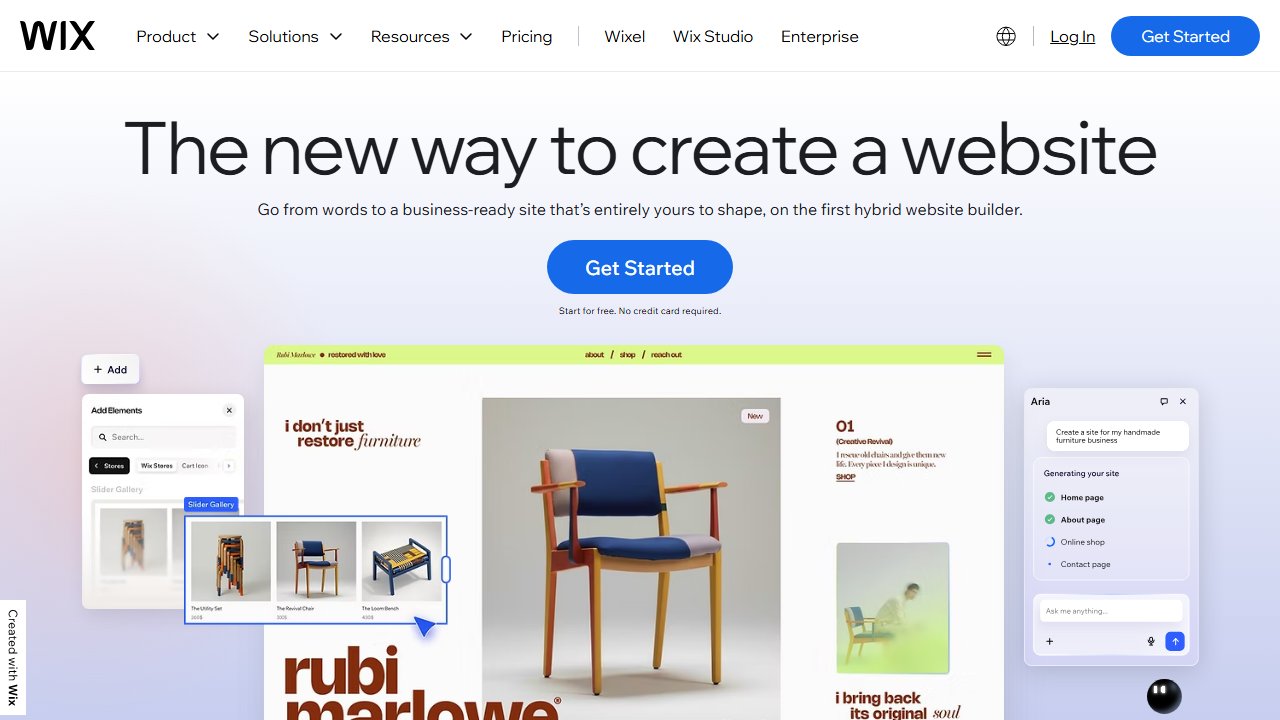
Wix offers more layout flexibility than Squarespace — the editor lets you place elements anywhere on the page without template constraints. This is genuinely more powerful than Squarespace’s section-based approach and more beginner-friendly than WordPress’s editor.
What Wix does well:
Drag-and-drop freedom. Move any element anywhere on the page. Overlap elements, create custom layouts, break out of grid constraints. For designers who want pixel control without writing CSS, Wix comes closer than Squarespace.
Wix App Market. A larger app ecosystem than Squarespace — 300+ apps covering booking, e-commerce, chat, memberships, events, and more. Not as expansive as WordPress, but meaningful for common use cases.
Wix ADI (AI Design Intelligence). Answer a few questions and Wix generates a complete website. The output is a starting point, not a finished site, but it’s faster than a blank canvas.
Free tier. Wix has a genuinely functional free plan (with Wix branding and a Wix subdomain). Useful for testing before committing.
Where Wix struggles:
SEO limitations. Wix has improved its SEO significantly but still lags WordPress in technical SEO control. URL structure, canonical tags, and structured data are less controllable. Page speed is a consistent complaint — parts of the backend load slowly, and the front-end architecture adds weight that affects Core Web Vitals. For sites where organic search is primary growth, this matters.
Template switching. Once you choose a Wix template, you cannot change it without rebuilding your content from scratch. This is a significant trap that catches new users — content does not transfer to a new template automatically, and there is no workaround short of starting over. Users who want a redesign twelve months in hit this wall hard.
Design inconsistency. The drag-anywhere approach that makes Wix flexible also makes it easy to create visually inconsistent sites. Design discipline requires more effort than on Squarespace.
Best for: Small business sites, local services, and anyone who wants drag-and-drop flexibility without the WordPress learning curve.
WordPress — Best for Serious Sites and Blogs
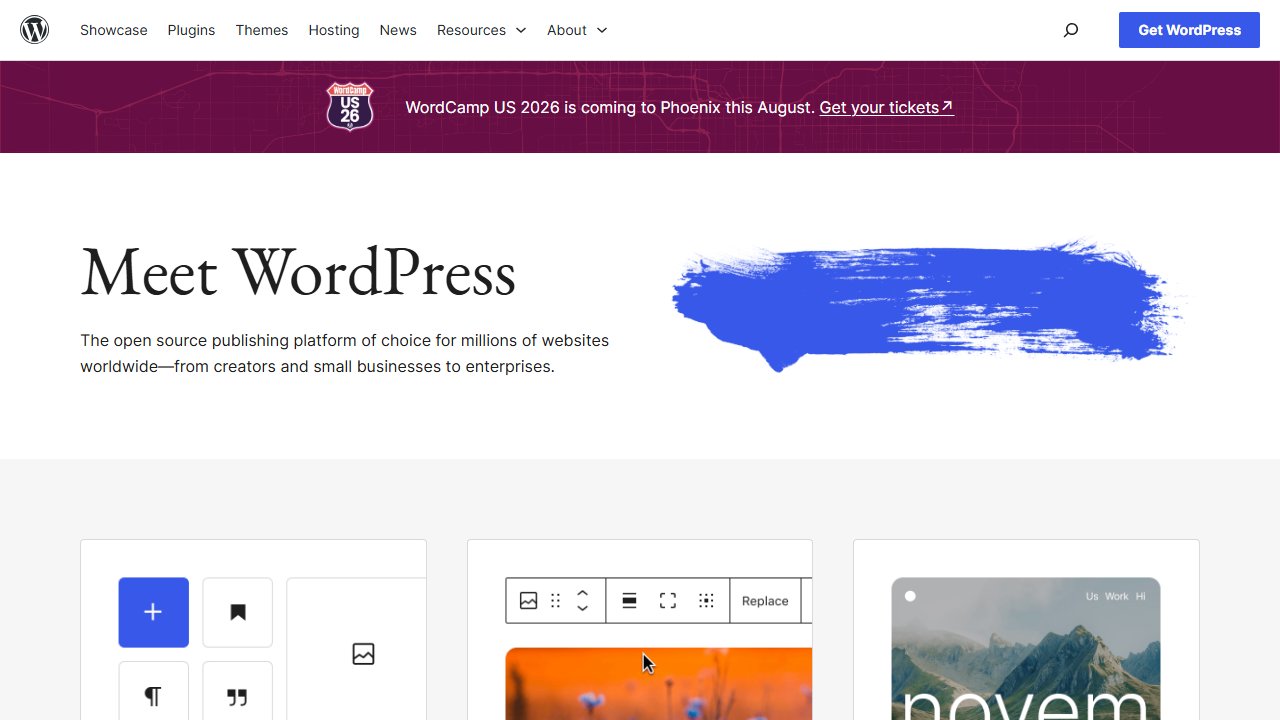
WordPress.org (self-hosted) is the right answer when SEO, long-term ownership, extensibility, and cost matter. The learning curve is real but the payoff — full control over every aspect of your site — is significant.
What WordPress does well:
SEO. With Yoast SEO or RankMath, you control title tags, meta descriptions, canonical URLs, schema markup, XML sitemaps, and robots.txt. This level of control is why high-traffic blogs and content sites run on WordPress — and why StackPicked originally launched there.
Plugin ecosystem. 60,000+ plugins cover virtually every use case: e-commerce (WooCommerce), membership sites, learning management, booking, forms, backup, security, caching, and performance. If it can be done on a website, there’s a WordPress plugin for it.
Total ownership. Your content, database, and files live on a server you control. You’re not dependent on a platform’s pricing decisions or feature roadmap. Export your data anytime. Move hosts anytime.
Cost. Hosting starts at $3-5/month on quality shared hosting. Free themes and plugins handle most use cases. At scale, $10-20/month for managed WordPress hosting is still cheaper than Squarespace or Wix at comparable feature levels.
Where WordPress struggles:
Learning curve. Understanding hosting, WordPress installation, theme setup, plugin management, and updates requires more investment than Squarespace or Wix. Not insurmountable, but real. Most beginner frustration is not with WordPress itself — it’s with picking cheap hosting and then blaming the platform when the site runs slowly or breaks.
Maintenance. Plugin updates, WordPress core updates, backups, and security monitoring are your responsibility (or your host’s). Squarespace and Wix handle this for you.
Design starting point. WordPress themes vary enormously in quality. You can build a beautiful WordPress site, but it requires more intentional design decisions than Squarespace’s curated templates.
Best for: Bloggers, content sites, anyone prioritizing SEO, developers, and anyone building something they plan to maintain long-term.
The Ownership Question
The most important difference between WordPress and the hosted builders is ownership. Squarespace and Wix host your site — if either platform raises prices dramatically, changes features, or shuts down, your options are limited and migration is painful.
WordPress gives you full control. Your files, your database, your content. Move hosts, change themes, export everything — it’s yours.
For a side project or small business site, this distinction matters less. For a serious blog or a business where the website is central to revenue, owning your platform is worth the additional management overhead.
Our Pick
Want beautiful design fast, no technical setup: Squarespace.
Want drag-and-drop flexibility and a free starting point: Wix.
Building a blog, content site, or anything where SEO and long-term growth matter: WordPress. Start with quality hosting like SiteGround or Bluehost, use a clean theme, and learn as you go. The upfront investment pays off significantly over time.
The guide to starting a blog walks through the full WordPress setup process if you’re going that route.