
Freelance accounting has two distinct jobs: keeping your finances organized throughout the year, and having everything ready when tax season arrives. Most tools market themselves as doing both. Not all of them actually do.
The decision mostly comes down to whether you’re invoice-heavy (multiple clients, project billing, time tracking) or expense-heavy (lots of deductions to categorize, mileage, equipment). Different tools are built for each use case, and picking the wrong one creates friction every week.
Quick answer: Wave if you want free and functional. FreshBooks if invoicing and client relationships are central to your work. QuickBooks Self-Employed if your primary goal is clean tax preparation. Bonsai if you want contracts + invoicing + accounting without piecing together multiple tools.
Quick Comparison
| Software | Starting Price | Invoicing | Expense Tracking | Tax Export | Best For |
|---|---|---|---|---|---|
| Wave | Free | Unlimited | Yes | Manual | Budget-conscious |
| FreshBooks | $19/mo | Excellent | Yes | Manual | Client-heavy |
| QuickBooks SE | $15/mo | Basic | Excellent | TurboTax native | Tax-focused |
| Bonsai | $25/mo | Good | Yes | Manual | All-in-one |
1. Wave — Best Free Option
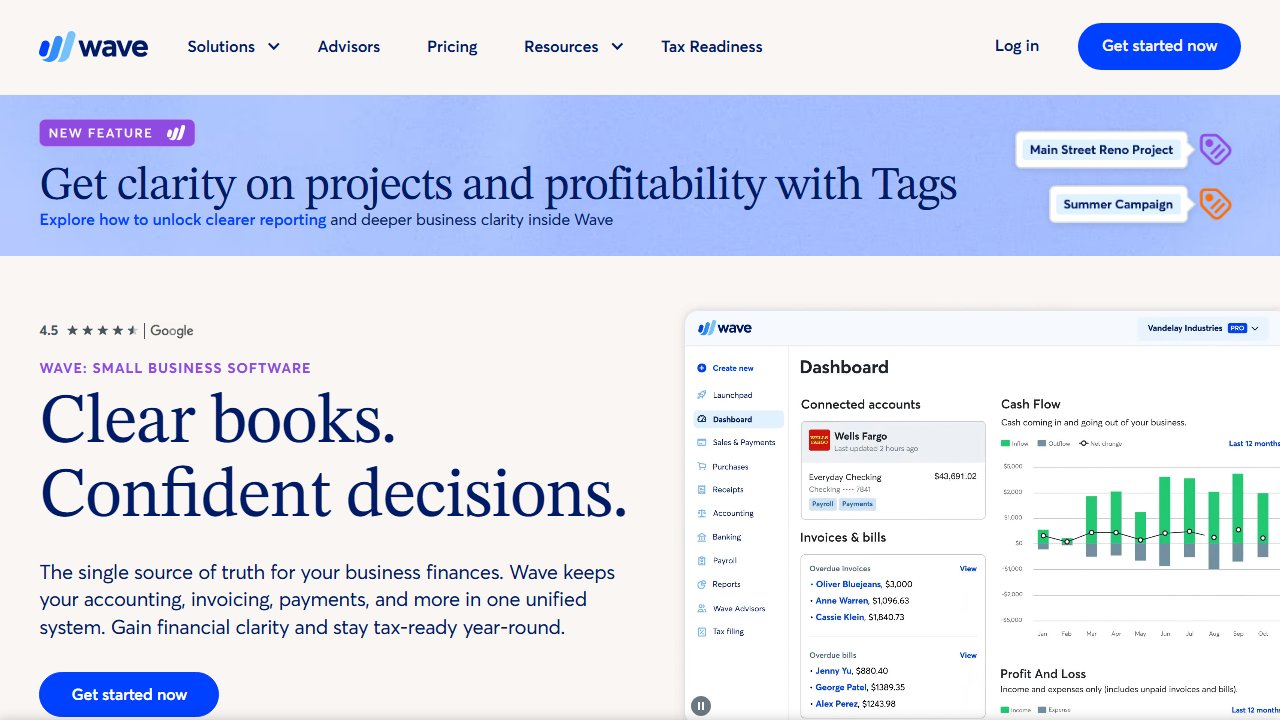
Wave offers unlimited invoicing, income and expense tracking, bank connections, and basic accounting reports at no charge. For a solo freelancer with straightforward finances, the free tier covers the core workflow without restriction.
What’s free: Invoicing (unlimited), bank account connections, expense categorization, income tracking, profit/loss reports, basic balance sheet.
What costs money: Payment processing (2.9% + $0.60 per transaction, standard market rate), payroll (if you have employees), Wave Advisors (bookkeeping service add-on).
For freelancers specifically: Connect your bank, categorize expenses as they come in, send invoices, track what’s paid and what’s outstanding. At tax time, run a Profit & Loss report and hand it to your tax software.
Limitation: Wave moved automatic bank transaction imports behind a $16/month Pro paywall in 2025 — the change that turned the most loyal users into former users. If you built your workflow around that feature, the free tier is now meaningfully less useful than it was. Customer support on the free plan is bot-only; getting a human requires a paid tier. There are also documented reports of Wave holding payment funds for extended periods with no communication, which matters if you’re using their payment processing.
The interface is less polished than FreshBooks or Bonsai. For pure bookkeeping at zero cost, it still works. But go in with current expectations, not 2023 ones.
2. FreshBooks — Best for Client-Heavy Freelancers
FreshBooks is purpose-built for service businesses with ongoing client relationships. The invoicing experience is the best in this category — clean, customizable, and professional-looking out of the box.
Where FreshBooks earns its price:
Time tracking built directly into the app — log hours on a project, then convert them to an invoice in one click. No separate time-tracking tool required. This matters if you bill hourly.
Project profitability — track expenses and time per project to see which clients and work types actually make you money. Useful if you’ve ever wondered whether a fixed-price project was profitable after factoring in real hours.
Retainer support — recurring invoices with automatic billing. If you have monthly retainer clients, FreshBooks handles this cleanly.
Client portal — clients can view invoices, make payments, and see project updates in a branded portal.
Pricing: Starts at $19/month (Lite — 5 active clients) up to $55/month (Premium — unlimited). The client cap is the most common complaint among freelancers: the Lite plan’s 5-client ceiling gets hit faster than expected, and the jump to Plus at $38/month after introductory pricing feels steep for someone who just needs six clients. Some users report having to delete client records just to stay within the limit. If you regularly have more than 5 active clients, budget for Plus from the start.
Best for: Consultants, designers, developers, and other service freelancers who invoice multiple clients monthly and want a polished, professional experience.
3. QuickBooks Self-Employed — Best for Tax Prep
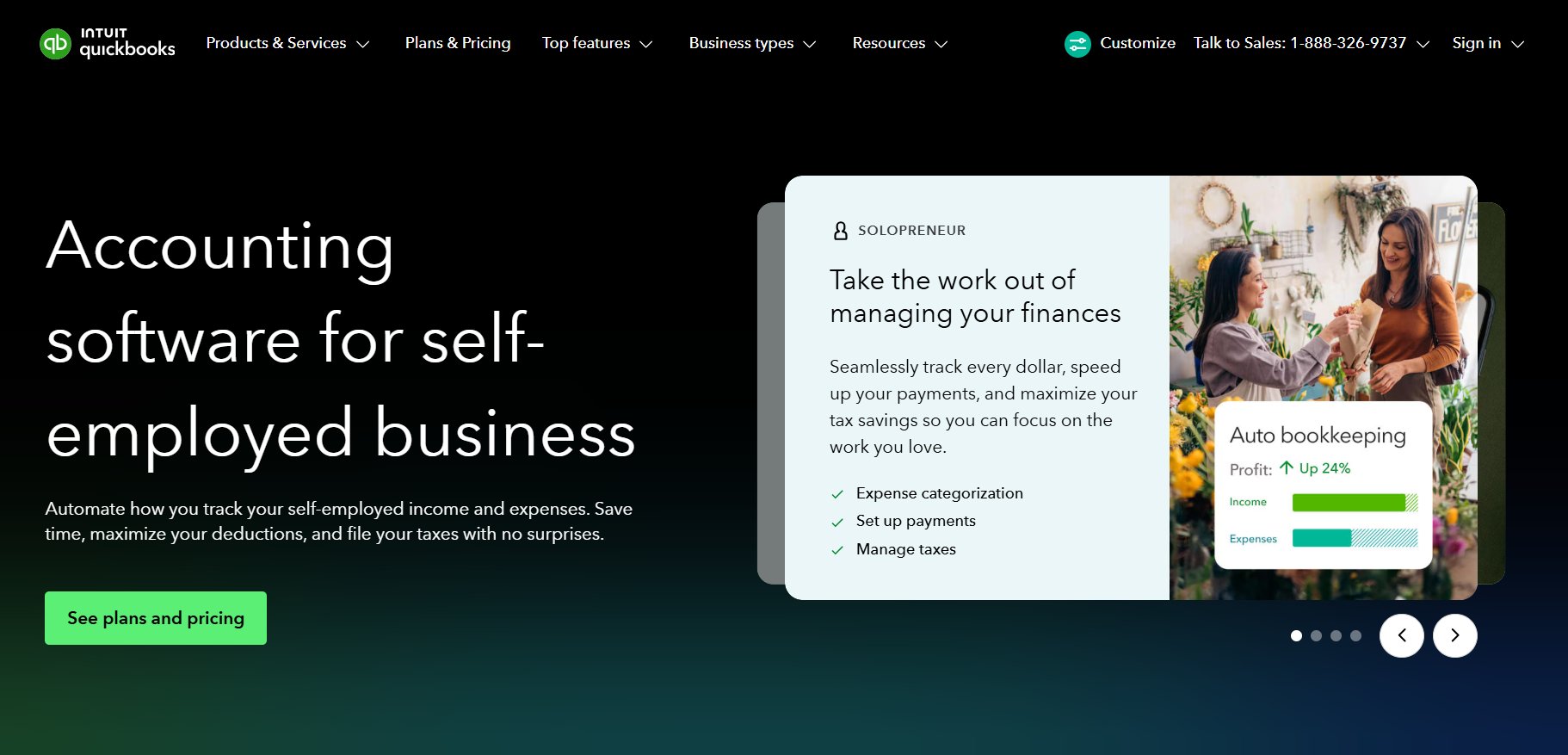
QuickBooks Self-Employed is built with one primary goal: making your taxes easier. Expense categorization maps directly to Schedule C categories. Mileage tracking runs via the mobile app in the background. Quarterly estimates calculate automatically. Your data exports natively to TurboTax.
One important update: Intuit discontinued QuickBooks Self-Employed in 2025 and replaced it with QuickBooks Solopreneur. The product still exists under a new name and similar pricing, but the transition frustrated users who lost specific features — notably receipt capture — that didn’t carry over. If you’re signing up now, you’re getting Solopreneur, not the original QBSE. The core tax workflow (mileage tracking, Schedule C categorization, TurboTax export) remains intact.
Mileage tracking is the standout feature: turn it on, drive, and it records trips via GPS. Swipe left (personal) or right (business) to categorize. At year-end, your mileage log is complete and ready for Schedule C.
TurboTax integration means your categorized income and expenses transfer directly into TurboTax Self-Employed without re-entering anything. If you use TurboTax to file, this alone justifies the subscription.
Pricing: $15/month (basic) or $25/month (with TurboTax bundle). The bundle includes TurboTax Self-Employed — effectively $60 less than buying them separately.
Limitation: The invoicing is basic. If you need professional client-facing invoices, time tracking, or project management, this tool doesn’t offer it. Pair it with a separate invoicing tool if needed, or switch to FreshBooks.
4. Bonsai — Best All-in-One for Solopreneurs
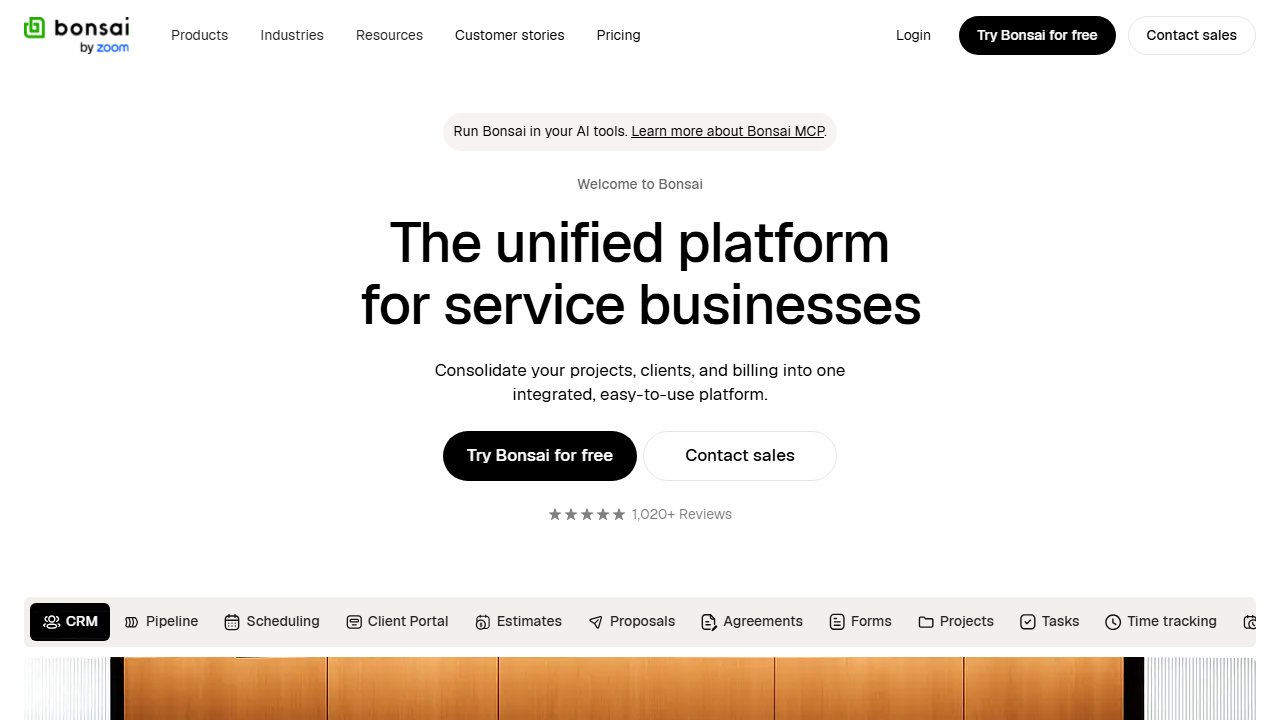
Bonsai consolidates contracts, proposals, invoicing, time tracking, and basic accounting into one subscription. If you currently use separate tools for contracts, proposals, invoicing, and time tracking, Bonsai collapses that stack.
What’s included at $25/month: Contract templates (legally vetted), proposal builder, client onboarding, invoicing with payment processing, time tracking, expense tracking, basic P&L reporting, and a client portal.
Who this makes sense for: Freelancers who want one login for their entire client workflow. The combined per-tool cost of a contract tool, proposal builder, and FreshBooks typically exceeds Bonsai’s price.
Limitation: Bonsai doesn’t do real double-entry bookkeeping. The accounting module is good enough for tracking income and expenses as a solo freelancer, but it won’t satisfy a CPA who wants detailed reports or a freelancer who needs project-level profitability analysis. Users who switched from FreshBooks specifically for accounting depth tend to switch back. For workflow consolidation, it’s a genuine win. For serious bookkeeping, it’s not the right tool.
Which to Choose
Just need free, functional basics: Wave. There’s no reason to pay for accounting software as a solo freelancer until Wave’s limitations actually affect your workflow — just know the bank import feature now requires a paid plan.
Invoice multiple clients, bill hourly, need a professional look: FreshBooks. The client experience and time tracking justify the $19-55/month. If you have more than 5 regular clients, start on Plus, not Lite.
Tax prep is the main pain point: QuickBooks Solopreneur (formerly Self-Employed), especially if you use TurboTax — the bundle pricing makes it the cheapest way to get both.
Currently juggling contracts + invoicing + accounting across multiple tools: Bonsai collapses the stack, as long as you don’t need deep bookkeeping.
Accounting software only works if you actually open it. A free tool you use weekly beats an expensive tool you avoid. Pick based on the workflow you have, not the one you plan to build.
Also worth reading: best tax software for freelancers when you’re ready to file, and the tools in your home office setup are deductible — tracking them in your accounting software from day one saves work at tax time.