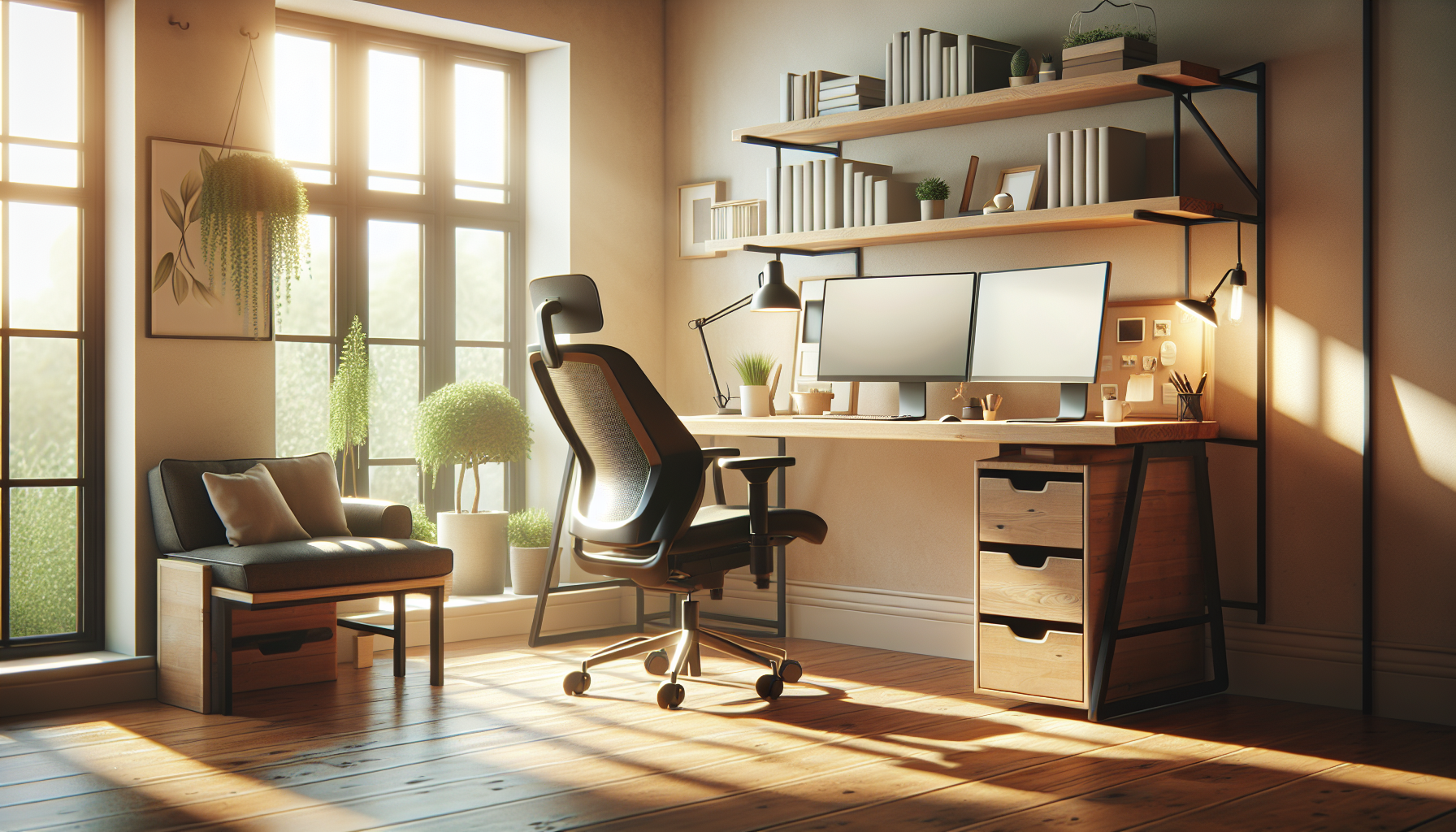
When I started working from home full-time in 2023, I made a classic mistake: I spent $1,200 on a “gaming setup” thinking it would make me productive. RGB lights, a flashy chair that looked cool but wrecked my back after two hours, and a desk that wobbled every time I typed.
Six months later, I sold most of it and rebuilt my entire workspace for under $600. And my productivity doubled.
Here’s what I learned: a productive home office has nothing to do with aesthetics and everything to do with ergonomics, focus, and intentional choices. You don’t need a $2,000 standing desk or a Herman Miller chair (though we’ll talk about how to get one cheap). You just need to avoid the common mistakes and prioritize the right things.
Quick answer: The most important home office investments in order: chair ($250–400), monitor at eye level ($100–200), decent lighting ($40–120), and basic peripherals ($60–100). Total for a solid ergonomic setup: $500–$800. Skip the gaming chair, skip the RGB lights, and prioritize function over aesthetics.
Why Your Home Office Setup Matters
If you’re working from home 3+ days a week, your workspace isn’t just a nice-to-have — it’s the foundation of your productivity and health.
Bad ergonomics lead to neck and shoulder pain (from hunching over a laptop), eye strain and headaches (from bad lighting), lower back pain (from cheap chairs or sitting all day), and focus issues (from distractions and clutter).
You don’t need to spend thousands to avoid these issues. A smart $500 setup beats a random $1,500 one every time.
The Priority Order
Most people buy a desk first. That’s backwards. Here’s what actually matters:
1. Chair (highest priority)
You’ll spend 6-8 hours in it. Your back and neck will tell you if you got this wrong. The minimum investment for a chair that doesn’t hurt you: $200-250 new, or $150-200 for a used office chair (not a gaming chair).
Used is a legitimate strategy here. Executive and task chairs from office liquidation sales regularly go for $100-200. The same chair costs $600+ new. Craigslist, Facebook Marketplace, and office liquidation auctions are worth checking before buying new.
What to look for: lumbar support, adjustable armrests, adjustable seat height. Height: your feet should be flat on the floor, thighs parallel to the ground.
What to avoid: gaming chairs (designed for aesthetics, not 8-hour sits), chairs without lumbar adjustment, anything without armrests.
2. Monitor at Eye Level
A laptop on a desk forces your neck down. After 4+ hours, that’s real neck and shoulder strain. Raise your screen to eye level.
The cheapest fix: a $20 laptop stand + a $25 external keyboard and mouse. Total: $45. This alone resolves most posture issues.
If you want an external monitor (recommended): a 24-inch 1080p monitor runs $100-150 new, $60-80 used. 27-inch 1440p is the upgrade worth paying for if you do any design or photography work.
3. Lighting
Screen glare and insufficient ambient light cause eye strain and headaches. The fixes are cheap.
Natural light: position your monitor perpendicular to windows (not facing them or facing away). This prevents glare and reflection.
Desk lamp: a basic LED desk lamp with adjustable brightness and color temperature runs $30-50. Get one with 4000K (neutral white) — warmer lights (2700K) cause eye strain for focused work.
Overhead lighting: if your room is dim, a $30-50 floor lamp behind and above your monitor softens the contrast between screen and background.
4. Peripherals
A good keyboard and mouse matter more than most people think. Typing on a laptop keyboard for 8 hours causes wrist strain.
- Keyboard: A basic mechanical or membrane keyboard runs $30-60. Doesn’t need to be fancy.
- Mouse: Any ergonomic mouse in the $25-40 range. Vertical mice are worth considering if you have wrist issues.
- Webcam: If you do a lot of video calls, a $50-80 1080p webcam is significantly better than a laptop camera. And if you’re working from coffee shops or shared spaces, a VPN is worth adding — public Wi-Fi is a real risk for remote workers.
- Headset: A $25-35 USB headset with a boom mic sounds dramatically better on calls than a laptop microphone. Don’t overcomplicate this.
Three Complete Shopping Lists
Under $200 (Using Existing Furniture)
Assumes you already have a table or desk.
| Item | Estimated Cost |
|---|---|
| Used office chair | $75-100 |
| Laptop stand | $20 |
| External keyboard | $25 |
| External mouse | $20 |
| LED desk lamp | $30 |
| Total | $170-195 |
This is the minimum viable setup. You can work productively from this. The chair is the most important purchase — don’t cut corners there.
Under $500 (Complete Setup)
| Item | Estimated Cost |
|---|---|
| Good used office chair (Herman Miller, Steelcase) | $200-250 |
| IKEA BEKANT or LINNMON desk | $80-120 |
| 24” 1080p monitor (used) | $70-80 |
| Monitor arm or stand | $30 |
| Keyboard + mouse combo | $50-60 |
| LED desk lamp | $35 |
| USB headset | $30 |
| Total | $495-575 |
This is the sweet spot. Everything in this list is a quality, long-lasting investment. The used Herman Miller chair alone is worth the extra cost over a new $100 chair.
Under $800 (High-Quality Setup)
| Item | Estimated Cost |
|---|---|
| New ergonomic chair (Autonomous, HON, Branch) | $300-350 |
| Solid desk (Ikea ALEX or equivalent) | $150-200 |
| 27” 1440p monitor (new) | $200-250 |
| Monitor arm | $40-50 |
| Mechanical keyboard | $60-80 |
| Ergonomic mouse | $40-50 |
| Quality desk lamp | $50-60 |
| USB webcam + headset | $80-100 |
| Total | $920-1,140 |
This is a proper setup you won’t need to upgrade for 5+ years. The 1440p monitor and mechanical keyboard are noticeable quality upgrades for anyone who writes or does visual work.
Common Mistakes to Avoid
Buying a gaming chair. Gaming chairs are designed to look impressive on stream, not support a 9-hour workday. The lumbar support is usually wrong, the padding compresses quickly, and the armrests are oddly positioned. Get an office chair.
Putting the monitor in front of a window. Glare and backlighting make your screen hard to see. Perpendicular to the window is the correct position.
Ignoring cable management. A cluttered desk is a cluttered mind. $15 in cable clips and a cable box eliminates the worst of it.
Buying a standing desk first. A standing desk is a nice upgrade, not a foundation. Nail the chair and monitor setup first. If you want the standing option without the full desk cost, a desktop converter ($100-150) works well. When you’re ready, see the best standing desks under $300.
Prioritizing aesthetics over ergonomics. The desk that photographs well and the desk that keeps your back healthy for three years are usually different desks.
The One Purchase That Changes Everything
If I had to pick one upgrade for someone working from a basic laptop setup, it’s a used ergonomic chair.
Not a monitor. Not a keyboard. A chair.
The productivity and comfort difference between a $75 office liquidation chair and your current setup is immediate and significant. Everything else on this list is an improvement. This one is a transformation.
Start there. Add everything else over time as budget allows.
Prices reflect current market rates as of early 2026. Used furniture prices vary significantly by location — office liquidation sales and Facebook Marketplace often have the best deals.