
Most AI coding tool demos are lying to you.
Not maliciously — the tools do work. But the demo shows a developer typing a vague comment and watching a complete, production-ready module materialize. Daily use looks different: a fast autocomplete that nails the obvious parts, occasionally produces subtly wrong code you have to catch before it ships, and makes you wonder if you’re spending as much time reviewing suggestions as you saved writing them.
That gap between the demo and Tuesday morning is where most developers lose faith in AI tooling — and miss the value that is genuinely there.
The tools below are the ones that survive daily use. The question I applied to each: does it save enough time, at a reliable enough quality, that you spend less effort reviewing its output than you would have spent writing the original? Eight cleared that bar.
Quick answer: GitHub Copilot is the default for most developers — widest IDE support, most actively developed, largest training corpus. Cursor is the better choice if you want an IDE built around AI rather than AI bolted onto an existing editor. For free options, Codeium covers individuals without restrictions; CodeWhisperer is the best free tier for AWS work.
Quick Verdict
| Tool | Best For | Free Plan | Starting Price |
|---|---|---|---|
| GitHub Copilot | Widest IDE support, teams | No | $10/mo |
| Cursor | AI-native IDE, solo devs | Yes (limited) | $20/mo Pro |
| Tabnine | Privacy-first teams | Yes | $12/mo Pro |
| Amazon CodeWhisperer | AWS development | Yes (generous) | $19/mo Pro |
| Codeium | Best completely free | Yes (full) | $12/mo Teams |
| JetBrains AI | JetBrains IDE users | No | $10/mo |
| Pieces | Workflow memory | Yes | $10/mo Pro |
| Devin | Autonomous tasks | No | $500/mo |
1. GitHub Copilot — Best Overall
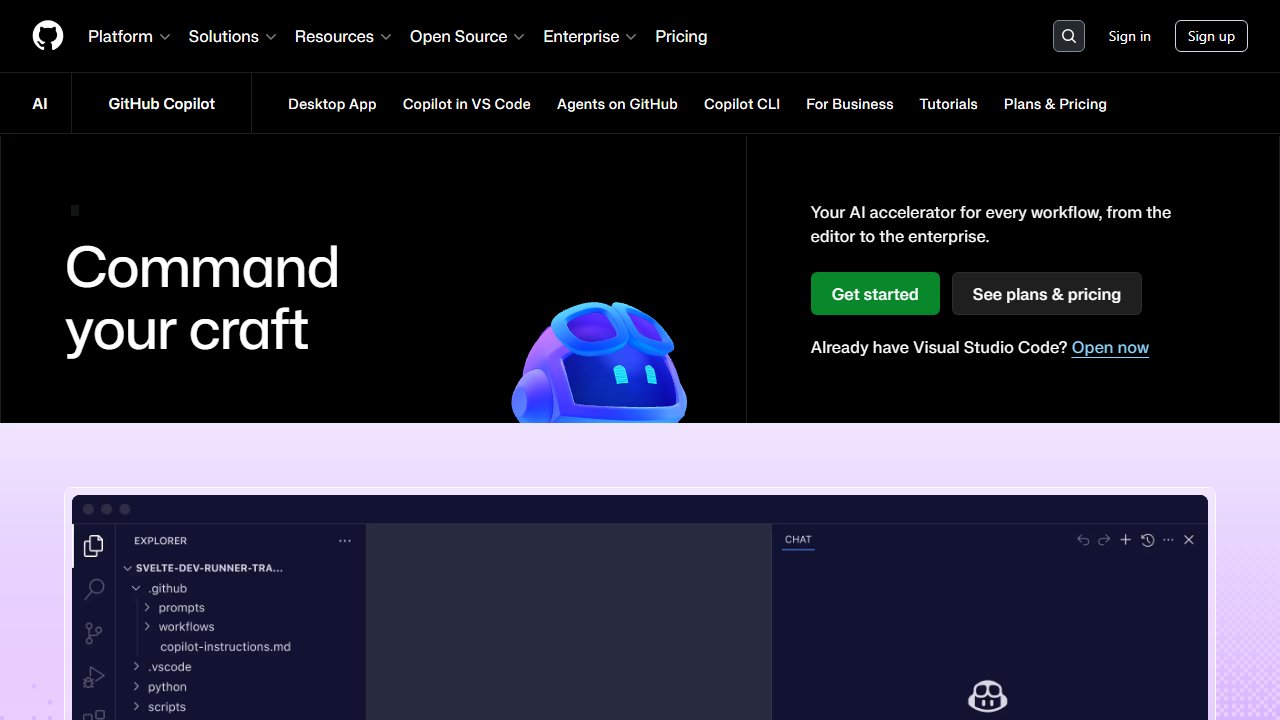
GitHub Copilot is the default AI coding tool for most developers, and for straightforward reasons: it works in every major IDE (VS Code, JetBrains, Vim, Neovim, Visual Studio, Xcode), it’s actively developed by a company with direct access to the largest codebase corpus in existence, and it’s been through enough real-world refinement that the edge cases are mostly handled.
What makes it worth the $10/month:
The completion quality on common patterns is the highest in this category. Boilerplate code, test generation for obvious cases, documentation generation — Copilot handles these faster and with less correction than alternatives.
The Chat feature (Copilot Chat in VS Code and JetBrains) handles codebase-context questions well. “Explain this function” and “Refactor this to be more readable” work correctly more often than not.
Copilot for Business ($19/user/month) adds IP indemnification (important for commercial use), stronger privacy controls (no prompt or suggestion storage), and organization management.
Limitations: The $10/month individual plan stores prompt and suggestion data. If your code involves proprietary algorithms or confidential data, the Business plan’s data controls are necessary.
2. Cursor — Best AI-Native IDE
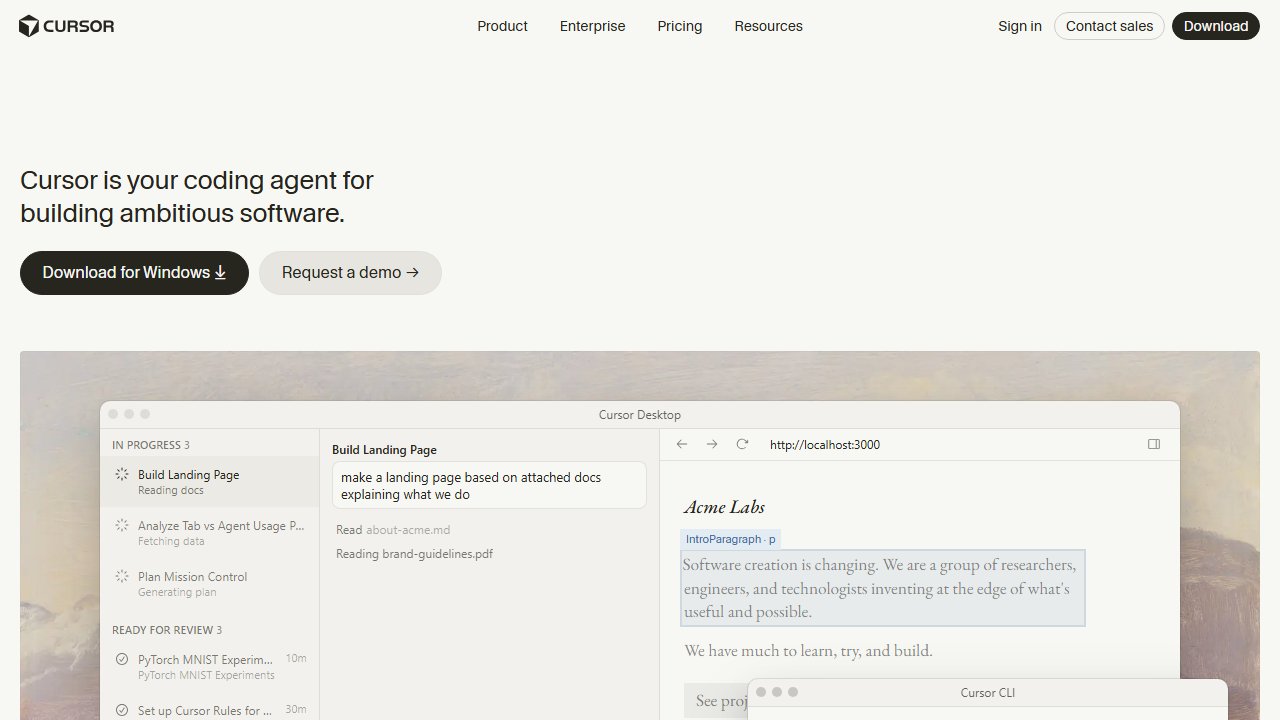
Cursor is a VS Code fork built around AI — not AI added to an existing editor, but an editor redesigned with AI as the primary interaction model.
What makes it different:
Composer mode lets you describe a change you want made and Cursor proposes changes across multiple files simultaneously. For refactors that touch many files, this is significantly faster than single-file completion tools.
Codebase context. Cursor indexes your entire codebase and uses that context for completions and chat. When you ask “how does authentication work in this codebase?”, Cursor can answer correctly because it’s read all the relevant files, not just what’s currently open.
The free plan gives 50 slow requests and 200 completions per month — enough to evaluate it seriously before paying.
Pricing: Free tier + $20/month Pro. At $20/month it’s the most expensive individual plan on this list, but for developers doing complex, multi-file work it returns that cost in time saved.
Limitation: It’s a forked VS Code. If you use JetBrains, Vim, or any other editor environment, Cursor isn’t currently an option.
3. Tabnine — Best for Privacy-First Teams
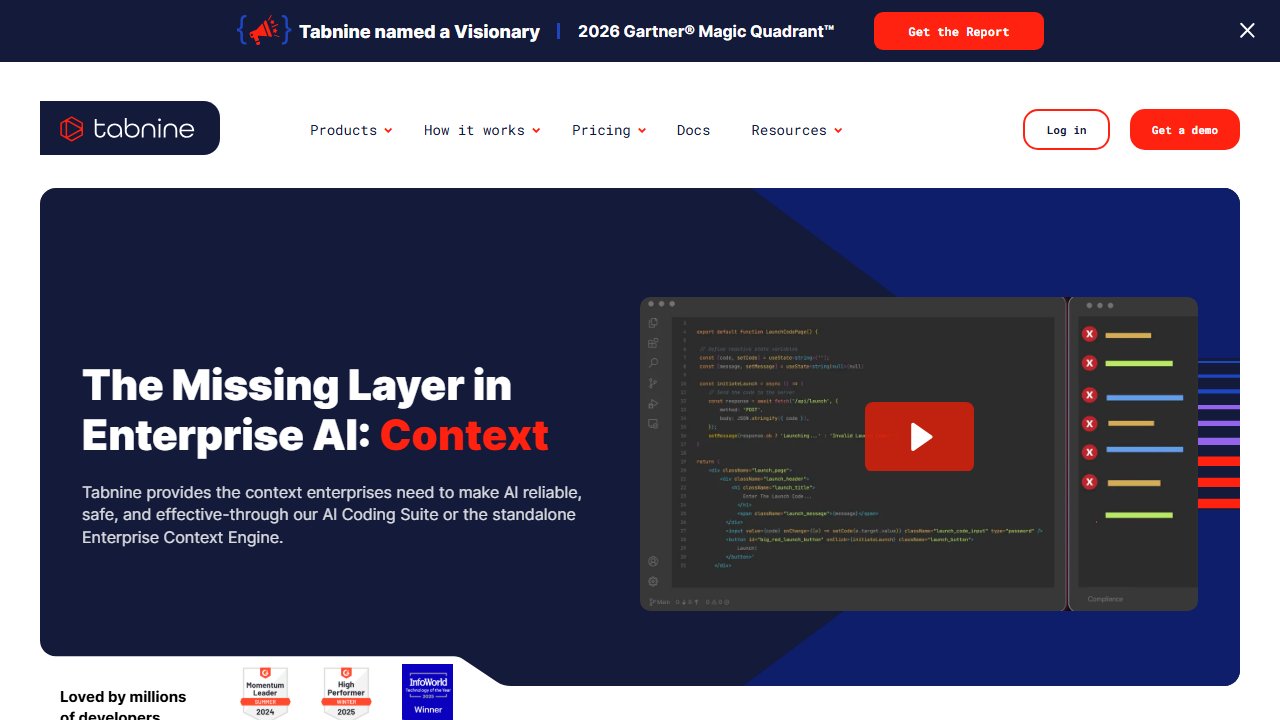
Tabnine is the choice when your code cannot leave your infrastructure. Enterprise customers can deploy Tabnine models on-premise, train on their own codebase, and guarantee that no code snippet ever touches an external server.
Why this matters: Most AI coding tools send your code to a cloud API for completion. For defense contractors, healthcare software, financial services, or any company with strict data sovereignty requirements, this is a compliance problem. Tabnine’s on-premise deployment option solves it.
The trade-off: On-premise deployment requires infrastructure and model management. The cloud-hosted version is fine for most developers, but the security advantage is on-premise.
Free plan: Available but limited — basic completions in a subset of IDEs.
Pro ($12/month): Full completions, code generation, chat.
Enterprise: On-premise deployment, private model training, admin controls. Custom pricing.
4. Amazon CodeWhisperer — Best Free for AWS Developers
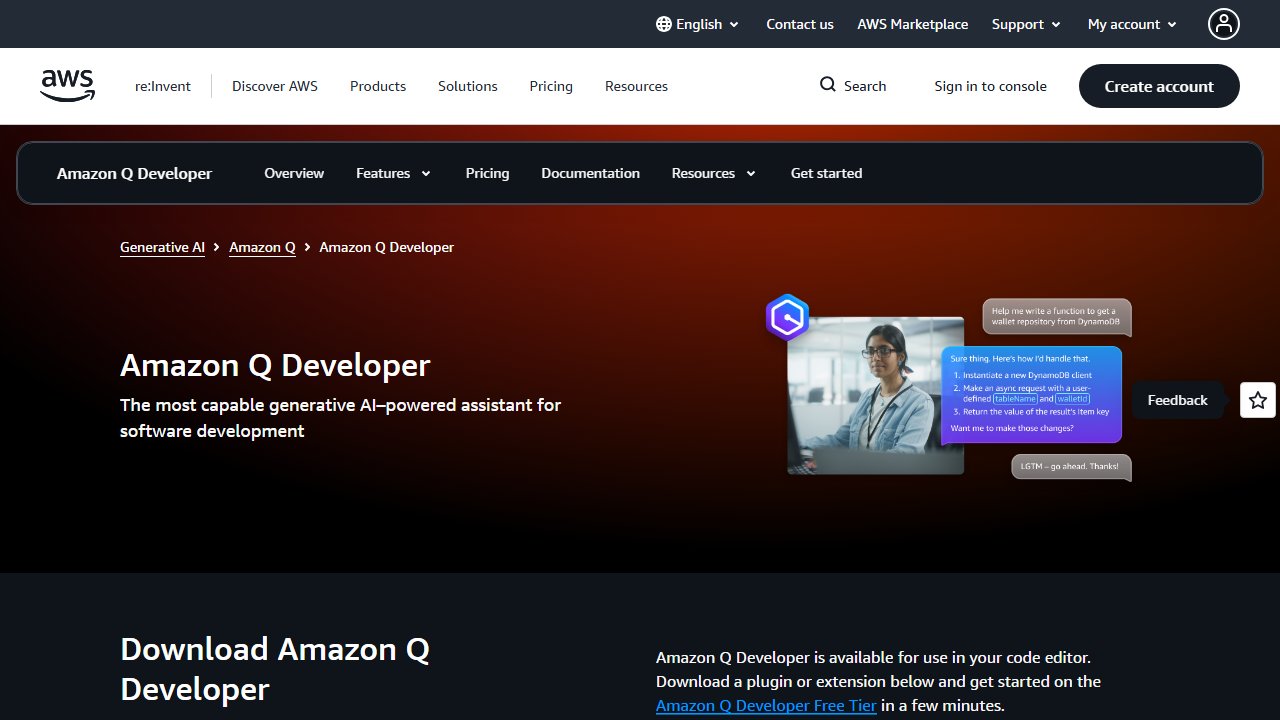
CodeWhisperer is Amazon’s AI coding tool, built into AWS Cloud9, supported in VS Code and JetBrains, and optimized for AWS SDK patterns, Lambda functions, and the broader AWS service ecosystem.
The free tier is the main story: Individual use is free with no usage limits for completions. The free plan also includes a security scanning feature that checks your code for vulnerabilities against a list of known CVEs — this alone justifies using it alongside another primary tool.
Best use case: AWS-heavy codebases where the model’s training on AWS SDK patterns produces better completion quality than general models on the same patterns.
Limitation: Outside of AWS patterns, completion quality is competitive but not class-leading. If your work isn’t AWS-centric, Codeium’s free plan covers the same ground with more language and IDE support.
5. Codeium — Best Completely Free Option
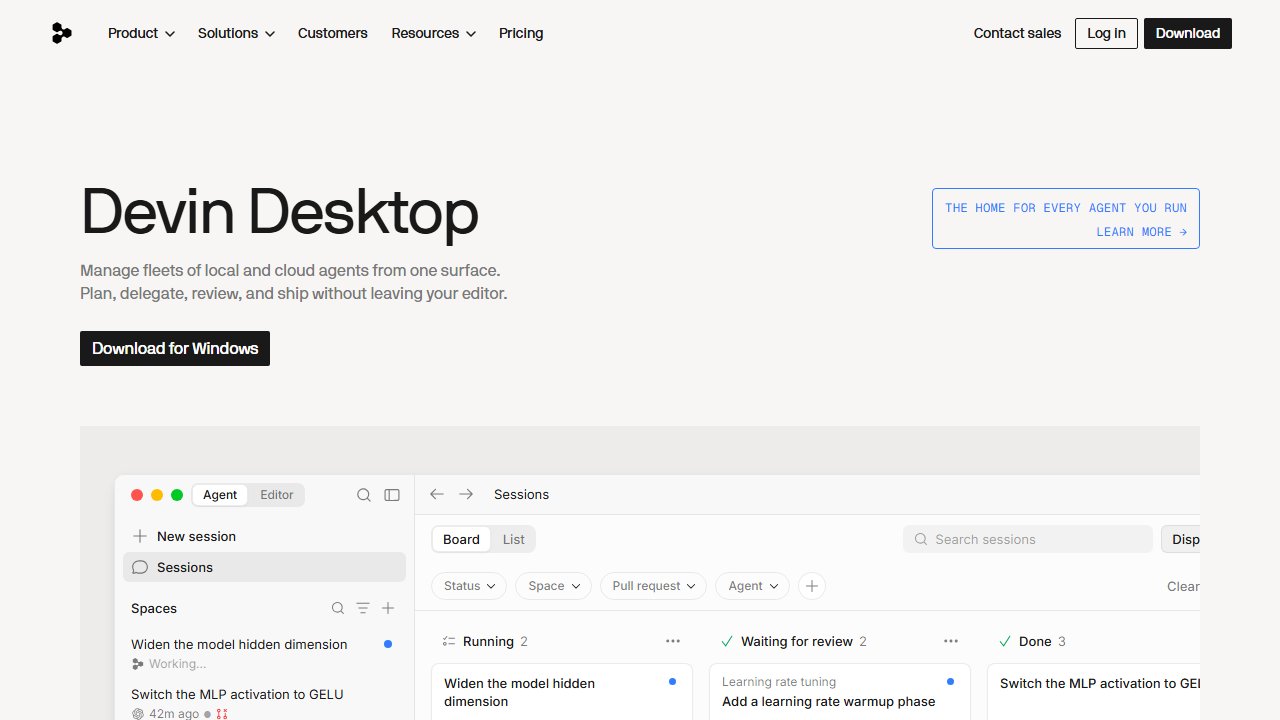
Codeium is free for individual developers with no meaningful restrictions: unlimited completions, unlimited chat, and codebase search. The business model is selling to enterprise teams, which funds the free individual tier.
What you get for free:
- Unlimited autocomplete completions
- Unlimited chat (ask questions about your code)
- Codebase search (find where functions are defined, how APIs are used across a project)
- 70+ language support
- 40+ IDE integrations
Comparison to Copilot: Completion quality is competitive for common patterns. On complex or unusual patterns, Copilot tends to produce better suggestions. For most day-to-day code, the difference is marginal.
Teams ($12/month): Adds team analytics, usage controls, and priority support.
Best for: Individual developers who want real AI completions without paying. Anyone who wants to evaluate AI coding tools before committing to a paid plan.
6. JetBrains AI Assistant — Best for JetBrains Users
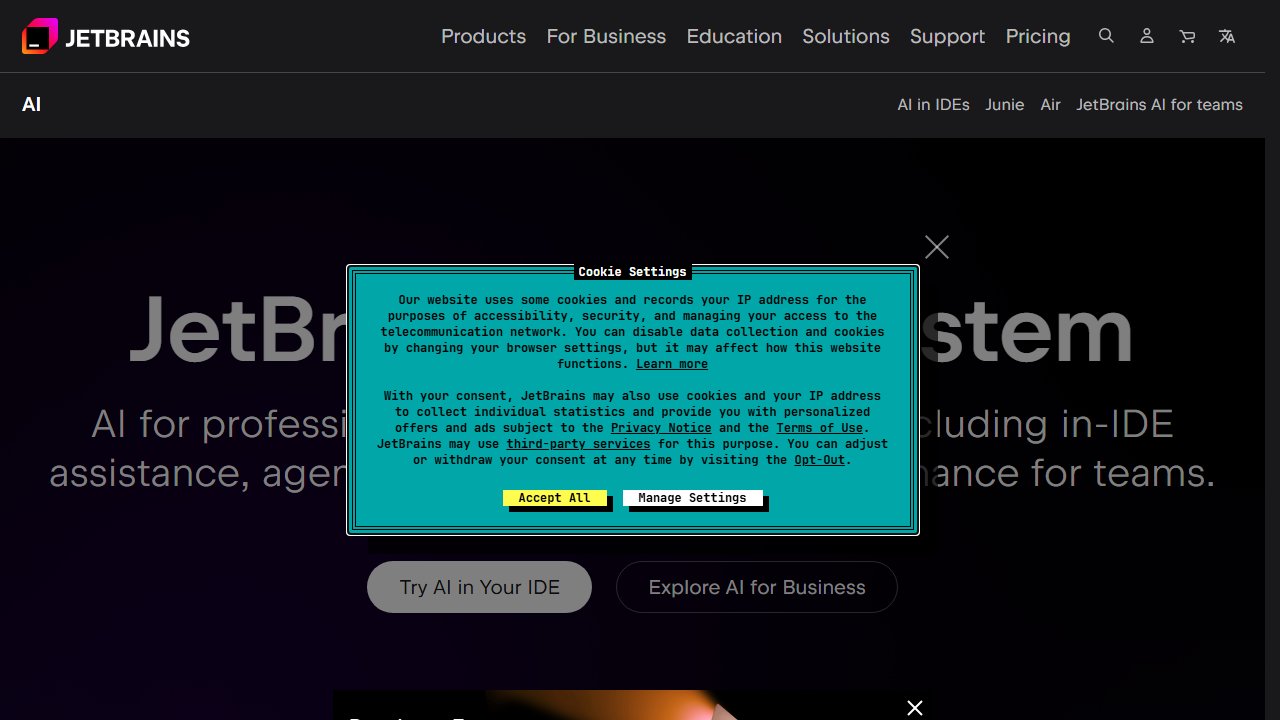
JetBrains AI Assistant is the logical choice if your workflow centers on IntelliJ IDEA, PyCharm, GoLand, WebStorm, or any other JetBrains IDE. The integration is deeper than any third-party plugin can achieve — the AI has full access to the IDE’s code analysis, refactoring tools, and project structure.
What deep IDE integration means in practice: Code inspections that combine JetBrains’ static analysis with AI-powered context. Refactoring suggestions that understand the project-wide impact of a change. Documentation that uses the IDE’s code model rather than just pattern matching.
Pricing: $10/month add-on to an existing JetBrains subscription, or $24/month all-in with a JetBrains All Products Pack.
Limitation: Only useful if you already use JetBrains tools. Not an option for VS Code users.
7. Pieces for Developers — Best Workflow Memory
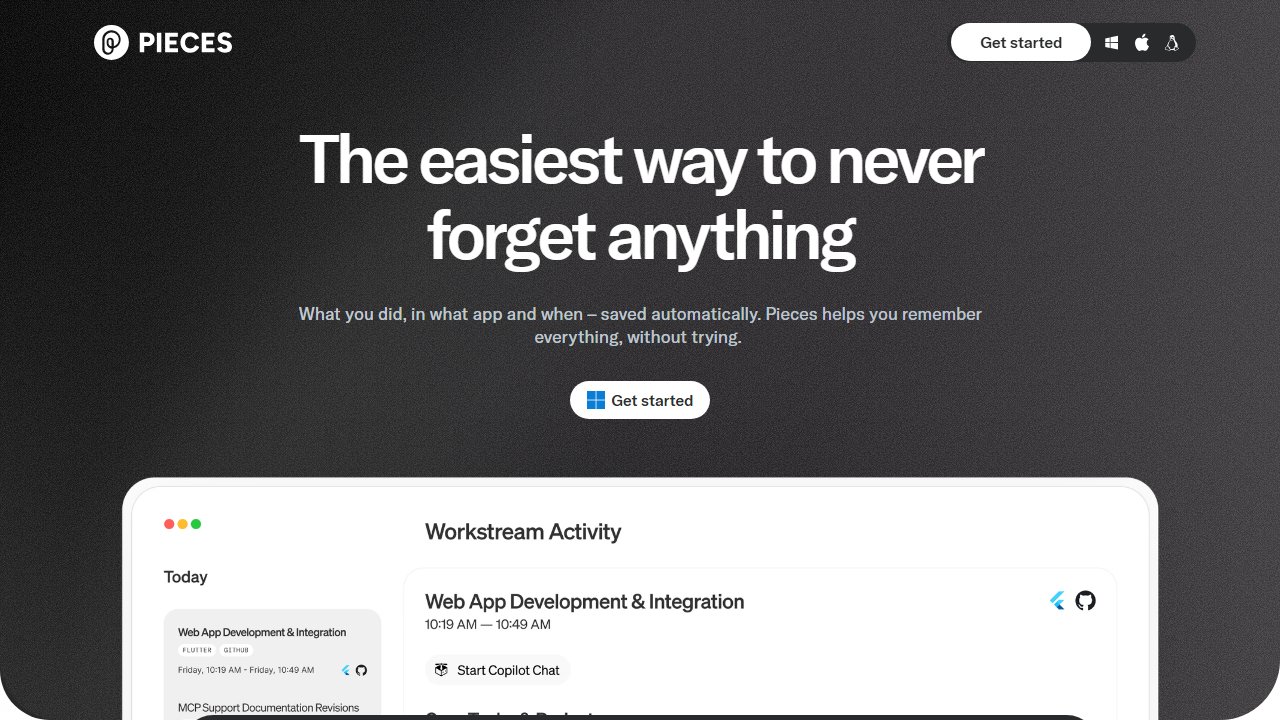
Pieces does something different from every other tool on this list: it captures, organizes, and resurfaces code snippets and context across your workflow. Instead of re-searching Stack Overflow or scrolling through Slack to find that snippet you used three months ago, Pieces captures it and makes it searchable. If you also want a full knowledge base for docs and team notes, that’s a separate tool category worth exploring.
The core workflow:
- You copy a useful code snippet from anywhere (browser, IDE, documentation)
- Pieces saves it automatically, tagged by language and context
- Later, you search “authentication middleware express” and find the exact snippet
Pieces also has an AI assistant that can answer questions using your saved snippets as context — so it can tell you how authentication was implemented across your past projects, not just in general.
Free plan: Covers most individual use cases.
Pro ($10/month): Adds cloud backup, team sharing, and unlimited storage.
Best for: Developers who regularly reference past code, build on previous projects, or maintain a personal library of utilities and patterns.
8. Devin — Autonomous Software Engineering Agent
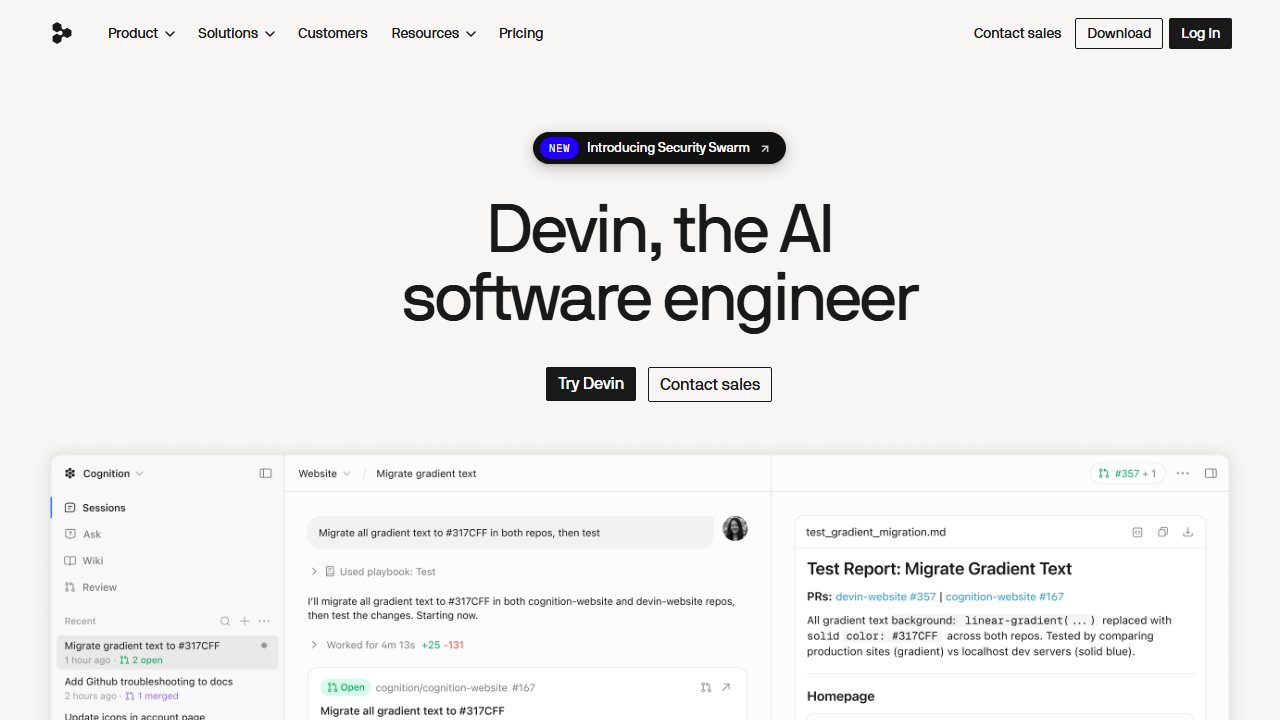
Devin is in a different category from everything else on this list. It’s not a completion tool or a chat assistant — it’s an autonomous software engineering agent that takes a complex task and works through it independently: reading documentation, writing code, running tests, debugging, and iterating.
What it actually does: Give Devin a task like “add OAuth login to this Express app using the GitHub provider, with unit tests” and it will work through the task end-to-end, ask clarifying questions when needed, and produce a working pull request.
The reality: At $500/month, Devin is priced for teams and enterprises. The quality on well-defined tasks is impressive. The quality on ambiguous or poorly specified tasks is inconsistent — it can get confidently stuck in wrong directions without the judgment to recognize it.
Current best use case: Well-defined, bounded engineering tasks where the specification is clear and the domain is standard. Not yet reliable for complex architectural decisions or novel problem solving.
Pricing: $500/month — includes a number of ACUs (agent compute units) per task.
How to Choose
If you want one tool that works everywhere: GitHub Copilot.
If you do complex multi-file work in VS Code: Cursor.
If you work primarily in AWS: CodeWhisperer (free) alongside your primary tool.
If you want free with no compromises: Codeium for completions.
If your code can’t leave your infrastructure: Tabnine Enterprise.
If you use JetBrains: JetBrains AI Assistant.
To augment any of the above with workflow memory: Pieces.
A Note on Reviewing AI Output
Every tool on this list will occasionally produce code that is subtly wrong — logically plausible but incorrect in specifics, or correct in structure but missing edge case handling.
The right mental model is the same one you’d apply to a competent junior developer’s code: read it, understand it, test it before merging. The time savings come from not writing the obvious parts. The judgment still has to come from you.
Treat AI-generated code the same as any other code submitted for review, and these tools will reliably save you time. Treat it as automatically correct and you will introduce bugs.
For teams using these tools, you’ll also want a solid project management setup to track work alongside your AI-assisted dev workflow.
Pricing current as of early 2026. AI tool pricing and features change rapidly — verify on each provider’s website.