
I’ve been deep in the note-taking app rabbit hole for the past three years. Started with Evernote, migrated to Notion, flirted with Roam Research, and finally landed on Obsidian for my personal knowledge base. But here’s the thing: I still use Notion — just for different things.
The “Notion vs Obsidian” debate isn’t really about which one is better. They’re built for different philosophies. Notion is a cloud-based all-in-one workspace that wants to replace five tools. Obsidian is a local-first markdown editor that wants to be your second brain for life.
Quick answer: Use Notion if you need team collaboration, databases, or an all-in-one workspace. Use Obsidian if you want full local data ownership, offline access, and a 1,500+ plugin ecosystem. Both have free tiers — Obsidian is free forever for personal use.
The Short Answer
| Category | Winner | Why |
|---|---|---|
| Features | Notion | Databases, collaboration, embeds, templates |
| Price | Obsidian | Free for personal use; Notion Plus costs $10/mo |
| Privacy | Obsidian | Local-first, full data ownership |
| Collaboration | Notion | Real-time co-editing, comments, sharing |
| Mobile | Tie | Both have solid mobile apps |
| Customization | Obsidian | 1,500+ community plugins |
| Ease of Use | Notion | Friendlier onboarding for beginners |
What Each App Does
What Is Notion?
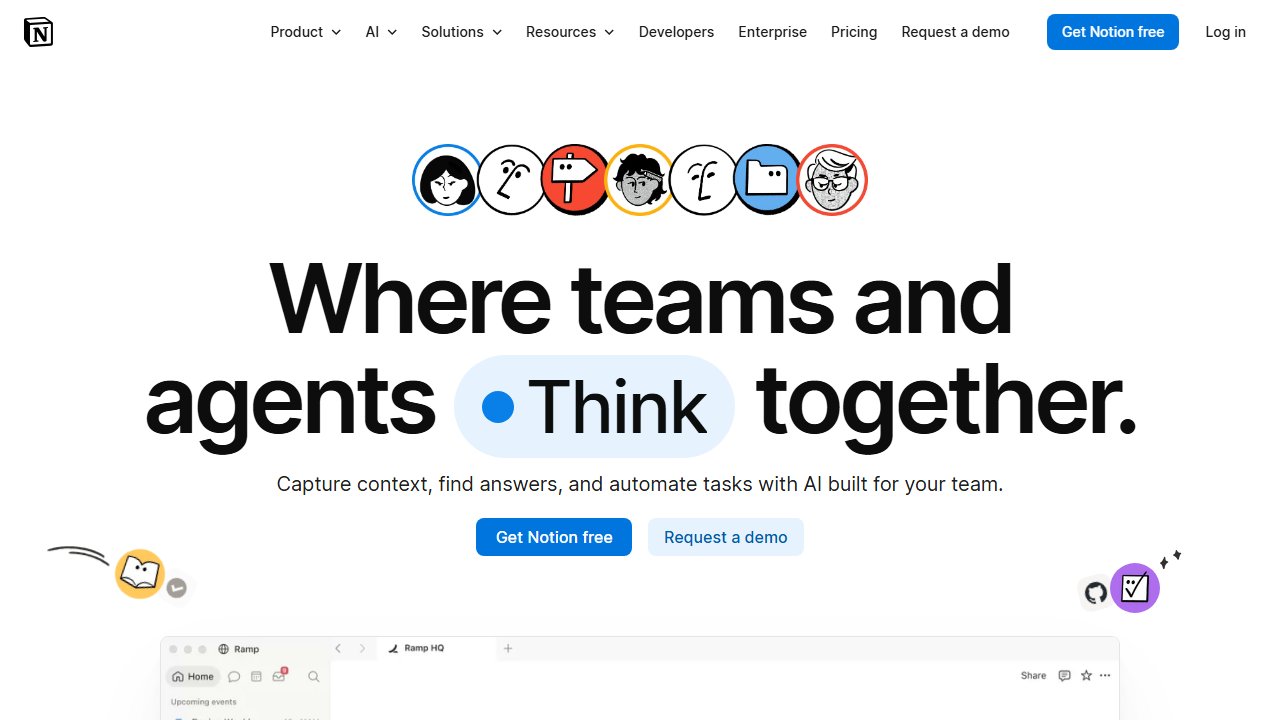
Notion is a cloud-based workspace that combines notes, wikis, databases, and project management. Think Google Docs meets Airtable meets Trello — all in one tool.
You build pages that hold text, images, to-do lists, tables, boards, calendars, and embeds. Pages link together, templates speed things up, and everything can be shared with teammates or made public.
Notion’s big bet: you don’t need five separate tools.
What Is Obsidian?
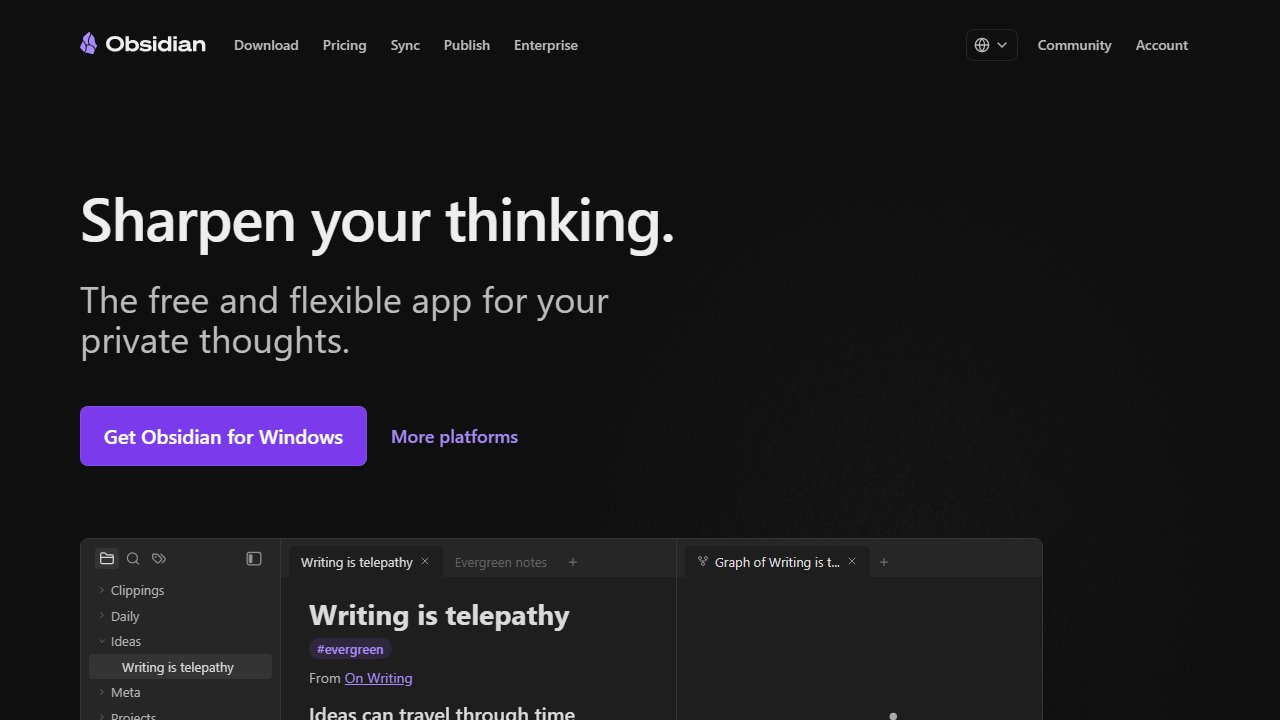
Obsidian is a local-first markdown editor built for networked thought. Your notes are stored as plain .md files on your device — no vendor lock-in, no cloud dependency.
The core philosophy: build a personal knowledge base by linking ideas together. Obsidian’s graph view makes those connections visible.
Obsidian has a massive plugin ecosystem (1,500+ community plugins) that let you add Kanban boards, spaced repetition flashcards, PDF annotations, daily note templates — practically anything. And the CSS customization goes all the way down.
Obsidian’s big bet: your notes should outlive any app. In 20 years, markdown will still be readable.
Features Comparison
Note-Taking and Editing
Notion: Block-based editor, rich formatting, embeds (YouTube, Figma, Loom), slash commands. Low floor — anyone can pick it up in an afternoon.
Obsidian: Markdown-native, live preview mode, Vim keybindings, Canvas view for visual brainstorming, backlinks and graph view. Higher ceiling, steeper initial curve.
Verdict: Notion wins for beginners. Obsidian wins for markdown-native workflows and anyone who cares about plain text portability.
Organization and Structure
Notion: Pages nested inside pages, databases with multiple views (table, board, calendar, gallery, timeline), relational databases. The relational database feature alone makes it a serious tool for structured projects.
Obsidian: Folders, tags, backlinks panel, graph view, Dataview plugin for querying notes like a database. Structure emerges from your links — it’s looser, but that’s the point.
Verdict: Notion for structured data and visual project management. Obsidian for networked thought and emergent organization. If your team needs a dedicated task manager alongside either tool, evaluate that separately.
Collaboration
Notion: Real-time co-editing, comments and mentions, shareable links, team workspaces with granular permissions. Built for teams from the start.
Obsidian: No real-time collaboration. Designed for solo users. Obsidian Publish ($8/month) lets you publish notes as a static website — that’s as far as sharing goes.
Verdict: Notion wins by a landslide. If you’re working with a team, Obsidian isn’t on the table.
Is Notion or Obsidian Better for Offline Access?
Notion: Limited offline mode — only cached pages are accessible. Can’t browse your full workspace without an internet connection.
Obsidian: Fully offline by default. Everything lives on your device. No internet required — ever.
Verdict: Obsidian wins. On a plane, in a basement, at a cabin with no signal — Obsidian doesn’t care. Notion does.
Plugins and Extensibility
Notion: No plugin system. Integrations happen through Zapier, Make, or the Notion API. Customization is limited to what Notion ships natively.
Obsidian: 1,500+ community plugins covering templates, Kanban boards, spaced repetition, PDF annotations, daily notes, calendars, and more. Full CSS customization. Plugin API for developers who want to build their own.
Verdict: Obsidian wins. If you want to bend the app to your workflow rather than the other way around, nothing comes close.
Which Has Better AI Features?
Notion AI: Built-in AI powered by OpenAI. Summarize notes, write drafts, brainstorm, autofill database fields. Costs an extra $10/user/month added to any plan.
Obsidian: No native AI. Community plugins (Copilot, Smart Connections, Text Generator) connect to OpenAI or local models. More setup, more control.
Verdict: Notion for out-of-the-box AI. Obsidian for people who want to pick their own model or run something local. The Notion AI add-on is genuinely useful — the autofill feature for databases alone saves real time.
Pricing Breakdown
Notion Pricing (2026)
- Free: Unlimited pages, 10 MB file uploads, up to 10 guests
- Plus: $10/user/month — unlimited file uploads, 30-day version history, unlimited guests
- Business: $15/user/month — advanced permissions, 90-day history, SAML SSO, private team spaces
- Enterprise: Custom pricing
- Notion AI add-on: $10/user/month on top of any plan
Solo user: Free plan works for basic use. Power users pay $10–20/month depending on whether they add AI.
5-person team: $50–75/month before AI.
Obsidian Pricing (2026)
- Personal Use: Free (forever, all core features)
- Commercial License: $50/user/year (required if you use it for work at a company)
- Obsidian Sync: $5/month (billed annually) — end-to-end encrypted sync across devices
- Obsidian Publish: $8/month — publish your notes as a public website
Solo user: Completely free. Sync is optional at $5/month — or use iCloud, Dropbox, or a git repo for free.
Cost Comparison
| Scenario | Notion Cost | Obsidian Cost |
|---|---|---|
| Solo user, basic | Free | Free |
| Solo user, power (with sync) | $10–20/month | $5/month |
| 5-person team | $50–75/month | Not designed for teams |
| With AI features | +$10/user/month | Plugin-dependent |
Verdict: Obsidian is dramatically cheaper for individuals. The gap widens if you add Notion AI.
Is Obsidian Better for Privacy?
Notion: All your data lives on Notion’s cloud servers (AWS-hosted). Encrypted in transit and at rest (AES-256), SOC 2 compliant. If Notion shuts down or gets breached, your notes are caught in it.
Obsidian: All your notes are plain .md files stored locally on your device. Obsidian Sync uses end-to-end encryption. Zero vendor lock-in. If Obsidian disappeared tomorrow, your notes would be completely unaffected.
Obsidian is the clear winner for privacy-sensitive use cases. Journalists, researchers, lawyers, and anyone handling sensitive personal data should default to Obsidian. For everyone else, Notion’s security is fine.
Who Should Use Notion?
Notion is the right choice if you’re working with other people. The collaboration features — real-time editing, comments, permissions, shareable databases — are genuinely good and have no Obsidian equivalent.
You’ll get the most from Notion if:
- You’re working with a team and need real-time collaboration
- You want to replace multiple tools with one workspace
- You prefer a polished, visual interface with minimal setup
- Cloud storage works for your use case
- You’re non-technical and want something that just works on day one
Who Should Use Obsidian?
Obsidian is the right choice if you’re building a knowledge base that’s yours — not a vendor’s. The local-first architecture isn’t just a privacy feature; it’s a commitment to longevity. Your notes in Obsidian are files. They’ll open in any text editor in 2040.
Obsidian is the better pick if:
- You want full ownership of your notes (local storage, plain text)
- You’re building a personal knowledge base or “second brain”
- You love markdown and plain text workflows
- You want deep customization through plugins and themes
- You work solo and don’t need real-time sharing
Can You Use Both?
Yes — and a lot of people do.
A setup that works: use Obsidian for personal knowledge management (daily notes, book summaries, research, idea incubation) and Notion for team collaboration (shared project boards, meeting agendas, company wikis).
Some people use Notion as a publishing layer on top of Obsidian — write and think in Obsidian, copy finished pieces to Notion for sharing. Not the slickest workflow, but it plays to both tools’ strengths.
Our Take
I use Obsidian as my daily driver and have for the past year. The switch from Notion wasn’t dramatic — I just got tired of opening a browser tab to take a note. Having my notes as actual files on my hard drive changed how I thought about them. They feel more permanent. I stopped second-guessing whether I’d lose access.
What I wish I knew earlier: you don’t have to choose right away. Start in Notion if the setup friction is real. But if you find yourself wanting notes that you genuinely own — not renting space on someone else’s servers — make the move. The migration is easier than it looks (export markdown from Notion, drop the folder into Obsidian, done). I kept Notion for anything collaborative. For thinking? Obsidian won.
Our Verdict
- Choose Notion if you need collaboration, databases, or an all-in-one workspace — especially with a team
- Choose Obsidian if you want local storage, full control, and deep customization for solo use
- Use both if your work spans solo knowledge management and team projects
Both are free to start. Try each for a week and the right fit will be obvious.
This article contains affiliate links for Notion. Obsidian doesn’t have an affiliate program, so we’re recommending it purely on merit.