
A CRM you don’t use is worse than a spreadsheet you do. Most CRM software is built for sales teams with quotas, pipeline reviews, and someone managing the managers — not for a person running their own business who just needs to remember who they talked to and when to follow up. The right tool is the one that gets used. Everything else is overhead.
Quick answer: Start with HubSpot CRM free. It’s the most capable free starting point at zero cost. If you want something more minimal and relationship-focused, Folk is the better experience. If you’re already in Notion and your client base is small, you may not need to buy anything yet.
What Solopreneurs Actually Need in a CRM
Contact tracking — who your leads, clients, and prospects are, what their status is, when you last spoke. A pipeline view showing what’s at what stage. Follow-up reminders, because the most common reason deals die is forgetting to send a second email. Email integration that logs conversations without manual entry. And simplicity above all, because complexity is the primary reason CRMs get abandoned.
1. HubSpot CRM — Best Free Option
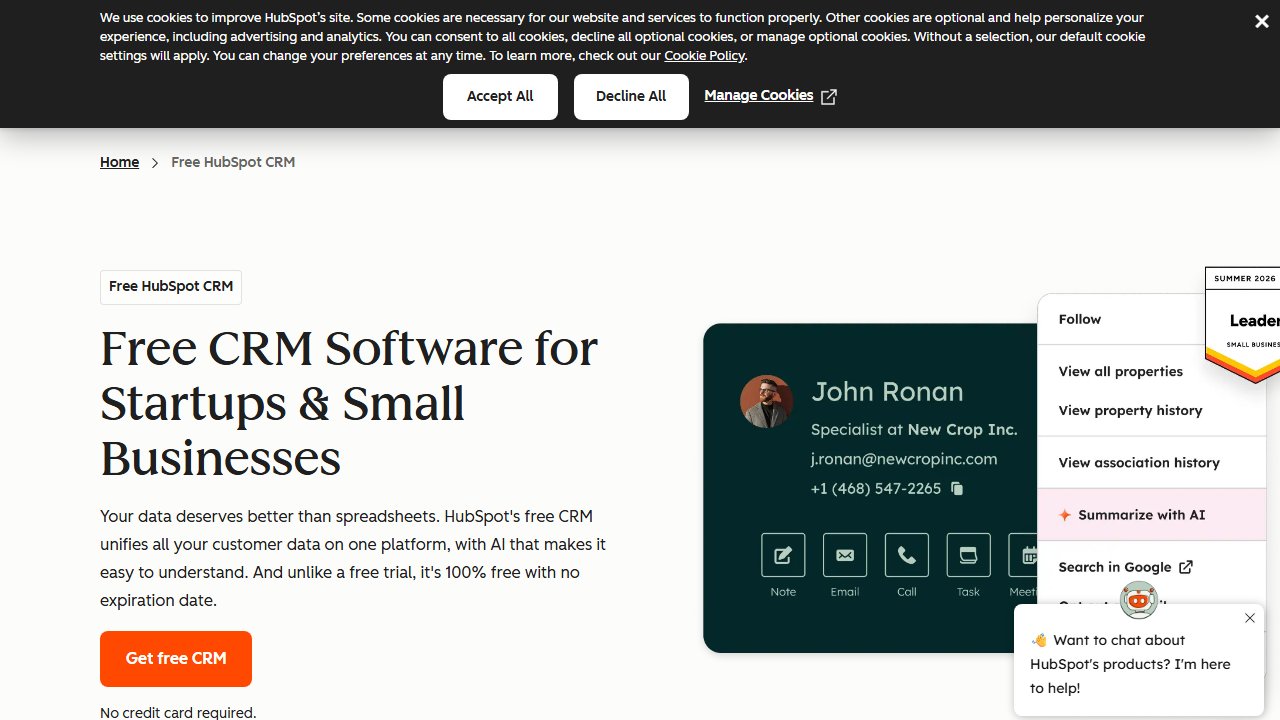
HubSpot’s free CRM is the most capable free tier in the category: unlimited contacts, unlimited users, deal pipeline, email tracking (opens and clicks), meeting scheduling, basic reporting, and a mobile app — at no cost.
The email integration is the standout feature. Connect your Gmail or Outlook and HubSpot logs sent emails to contact records automatically. When a prospect opens your email or clicks a link, you get notified. This cuts manual logging entirely and tells you who’s engaged without having to guess.
The deal pipeline is visual (Kanban-style), customizable, and does what it should. Drag deals through stages. Set close dates. Get a revenue forecast. Nothing complicated — it doesn’t need to be.
Email sequences (automated follow-up series) are available on free for a limited number — enough to test before committing to paid.
The limits: HubSpot branding on some elements, capped sequence sends, and basic reporting only. Marketing automation, advanced sequences, and A/B testing require paid Sales Hub starting at $45/month/user. Most solopreneurs run on free for a long time before hitting those walls.
Best for: Anyone without a CRM who wants the most capable free starting point.
2. Folk — Best for Relationship-Focused Work
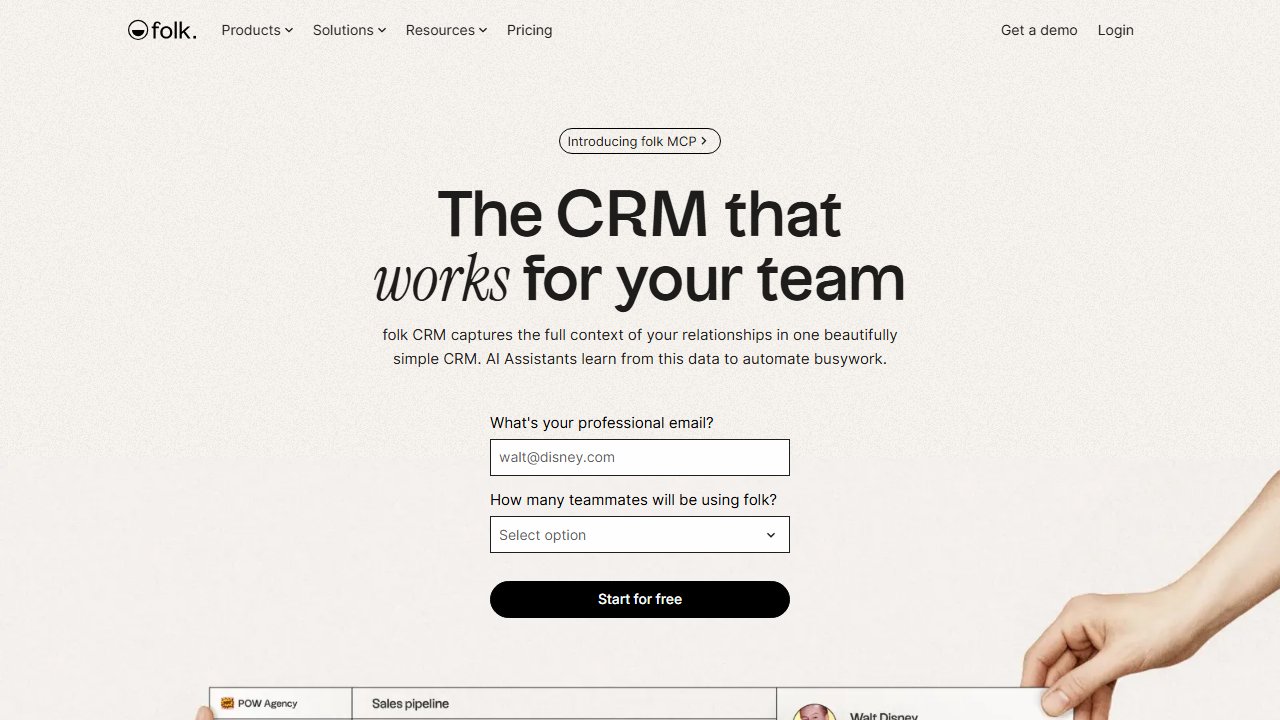
Folk is built around a different premise: instead of tracking deals and pipelines, it tracks people and relationships. The interface feels closer to a contact book than a sales tool — the right fit for freelancers, consultants, and creators whose work is about ongoing relationships rather than one-time transactions.
You organize contacts into groups (Clients, Prospects, Partners, Investors) and move them through stages you define, not a predefined “Lead → Prospect → Customer” pipeline you have to bend to fit your work. AI-assisted enrichment fills in company info and social profiles automatically when you add a name. Email templates with merge fields send directly from Folk, which removes the need for a separate outreach tool.
Folk doesn’t try to be HubSpot. No dashboards full of widgets, no reports to configure, no setup maze. It opens to your contacts.
Pricing: Free tier (100 contacts). Paid from $20/month per user.
Less automation depth than HubSpot, smaller integration library, shorter track record. Folk is a newer product and the feature set reflects that.
Best for: Consulting, freelancing, creator work — anything where the relationship is the product.
3. Notion as CRM — Best for Existing Notion Users
If you already use Notion for personal knowledge management or project management, a CRM database costs nothing extra. A properly set up Notion database handles contact tracking, status, notes, and relationship history without another subscription.
What it covers: contact database with status (Lead, Active Client, Past Client, Prospect), deal tracking with linked contacts, notes and meeting summaries per contact, and reminders via Notion or a connected calendar.
What it doesn’t do: email tracking, automated sequences, phone or calendar integration, pipeline automation.
Notion CRM is a well-organized spreadsheet. It works for a small client base where automation depth doesn’t matter. Once you’re managing 20+ active relationships or running outreach at volume, a purpose-built CRM’s email integration and automation become worth the subscription cost.
4. Pipedrive — Best for Active Selling
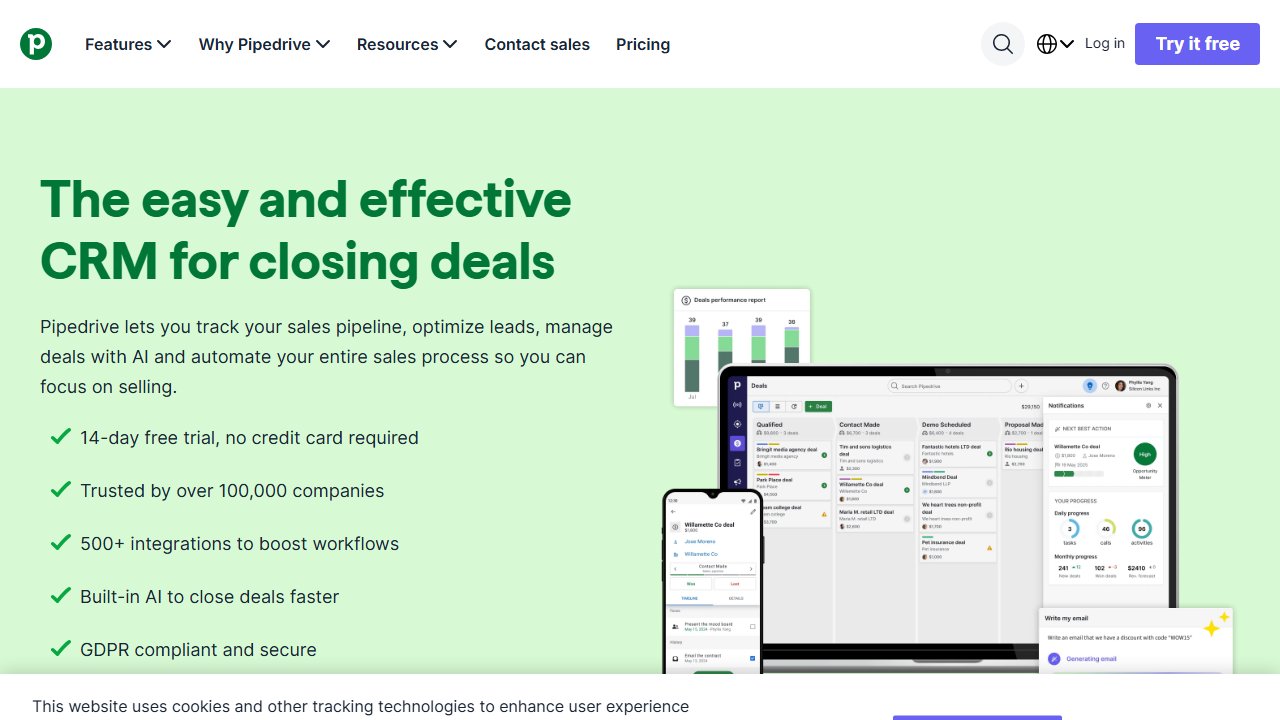
Pipedrive is for people actively running a sales process: multiple deals at different stages, structured follow-up, a clear pipeline view. If your work involves regular outbound sales — proposals, negotiations, closing — Pipedrive’s visual pipeline and activity-based selling is the cleanest implementation in this category.
The “Activities” system is the core feature: schedule calls, emails, meetings, and tasks against each deal so follow-up doesn’t fall through. Visual pipeline is the best in this group for deal-stage tracking. Email sync and mobile app are solid.
Pricing: Starts at $14.90/month/user. No free tier — 14-day trial only.
Best for: Solopreneurs whose primary activity is selling — agencies, consultants, coaches with a defined sales process.
Skip if: You’re maintaining ongoing client relationships rather than closing new deals. HubSpot handles that with less complexity and lower cost.
The Spreadsheet Question
Before buying anything: a Google Sheet with client name, status, last contact date, and next step is a functional CRM for a small client base. If you have fewer than 15-20 active relationships and a spreadsheet is working, there’s no reason to switch.
The signals that you need a real CRM: deals falling through because follow-up was forgotten, losing track of conversation context with a contact, running outreach to multiple prospects at the same time, needing email tracking to know who’s engaged.
Our Pick
Start with HubSpot free unless you have a specific reason not to. Most capable free starting point, room to grow into paid if needed.
Switch to Folk if you want something simpler and more relationship-native — particularly if your work is more about maintaining relationships than closing deals.
Stay in Notion if you’re already there and the client base is small.
Move to Pipedrive if you’re running a defined sales process with multiple deals in parallel.