
The coffee shop Wi-Fi problem is worse than most remote workers assume. If you’re building out your home office setup, security belongs on that checklist from day one.
Quick answer: NordVPN is the best VPN for remote work in 2026 at $3.49/month on a 2-year plan — largest server network (7,200+ servers, 118 countries), audited no-logs policy, and Meshnet. Surfshark is the best value pick at $2.49/month with unlimited devices. ProtonVPN Free is the only free VPN worth using for professional work. ExpressVPN is the fastest option; Mullvad is for maximum anonymity at a flat €5/month.
Why Remote Workers Need a VPN
Unencrypted traffic on public networks is readable by the network operator, every device on the network, and anything in between your laptop and the server you’re connecting to. A VPN encrypts your traffic before it leaves your device and routes it through a private server. Anyone watching the network sees noise.
Public Wi-Fi exposes credentials. Cafes, co-working spaces, airports, hotels — all shared infrastructure. Without a VPN, anyone on that network can read what you type, including login credentials.
Many employers require it. A company VPN handles access to internal systems. A personal VPN handles everything else: your own projects, financial accounts, anything that runs outside work.
Geo-restrictions are a real problem for traveling workers. Some company tools, client portals, and research databases are locked by region. A VPN lets you connect from a different location — legitimate and common for international remote work.
ISPs can sell your browsing data. In the US, internet providers can legally sell browsing history. A VPN cuts that off. Your ISP sees only that you’re connected to a VPN server, nothing beyond it.
What to Look For
Speed
A good modern VPN costs you 10–20% of your connection speed. A bad one, or an overloaded server, can cut it in half.
Look for modern protocols: NordLynx (NordVPN’s WireGuard implementation), Lightway (ExpressVPN), or standard WireGuard. All run significantly faster than older OpenVPN-based setups.
No-Logs Policy (Independently Audited)
Any VPN can claim a no-logs policy. Independent audits — security firms hired to verify the provider actually doesn’t log your activity — are what separate trustworthy providers from the rest.
NordVPN, ExpressVPN, ProtonVPN, and Surfshark have all been independently audited. Mullvad goes further with physical audits of its server infrastructure.
Kill Switch
A kill switch cuts your internet if the VPN drops. Without it, traffic briefly goes out unencrypted. Non-negotiable for work use.
Split Tunneling
Routes specific apps through the VPN while others use your regular connection. Useful for protecting work traffic without slowing down streaming or other non-sensitive services.
The 5 Best VPNs for Remote Work in 2026
1. NordVPN — Best Overall

NordVPN is the right default for most remote workers. It runs 7,200+ servers across 118 countries, uses NordLynx for speed, and is one of the most thoroughly audited providers available.
The standout feature is Meshnet. It creates a secure private network across your own devices. If you work across a desktop, laptop, and occasionally a colleague’s machine, Meshnet lets you access them as if they’re on the same local network. No other major VPN does this.
Pricing: $3.49/month on the 2-year Basic plan; $4.99/month on a 1-year plan. Monthly billing is $12.99. Get NordVPN
Platforms: Windows, Mac, iOS, Android, Linux, browser extensions.
Verdict: Best combination of speed, security, features, and server coverage for the price.
2. Surfshark — Best Value
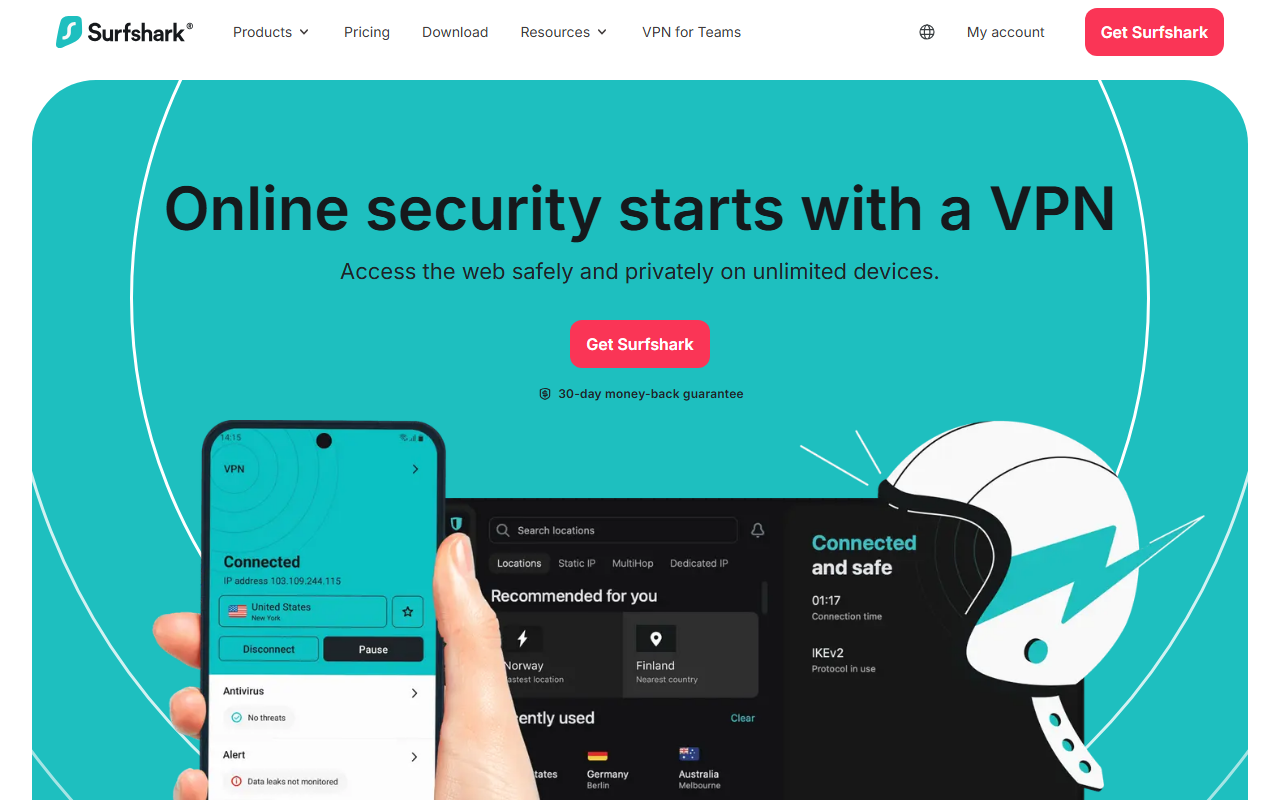
Surfshark’s differentiator is unlimited simultaneous devices on a single subscription. Most major providers cap you at 8–10 devices. If you run multiple computers, a phone, a tablet, and want router coverage, Surfshark handles it without an upgrade.
Speed is competitive on WireGuard. The no-logs policy is independently audited. The interface is cleaner than most.
Pricing: $2.49/month on the 2-year Starter plan — among the cheapest reputable VPNs available.
Also includes: An ad/tracker blocker and a data breach monitoring tool.
Verdict: Best choice if you have many devices or want to cover household members without paying per device. For a deeper head-to-head between these two, see our NordVPN vs Surfshark comparison.
3. ExpressVPN — Best Speed

ExpressVPN consistently leads independent speed tests. Its proprietary Lightway protocol is one of the fastest available, with quicker connection times than WireGuard in most benchmarks.
ExpressVPN restructured pricing in 2026 into three tiers — Basic, Advanced, and Pro. Basic starts at $4.99/month on a 1-year plan ($2.79–$3.49/month on 2-year, depending on current promotions) and supports up to 10 devices. It’s the priciest option here relative to core features.
Best for: Users where speed is the constraint — heavy video call schedules or lower-speed base connections.
Verdict: Fastest protocol. Priciest entry point. Worth it specifically for speed.
4. ProtonVPN — Best Privacy (and Best Free)
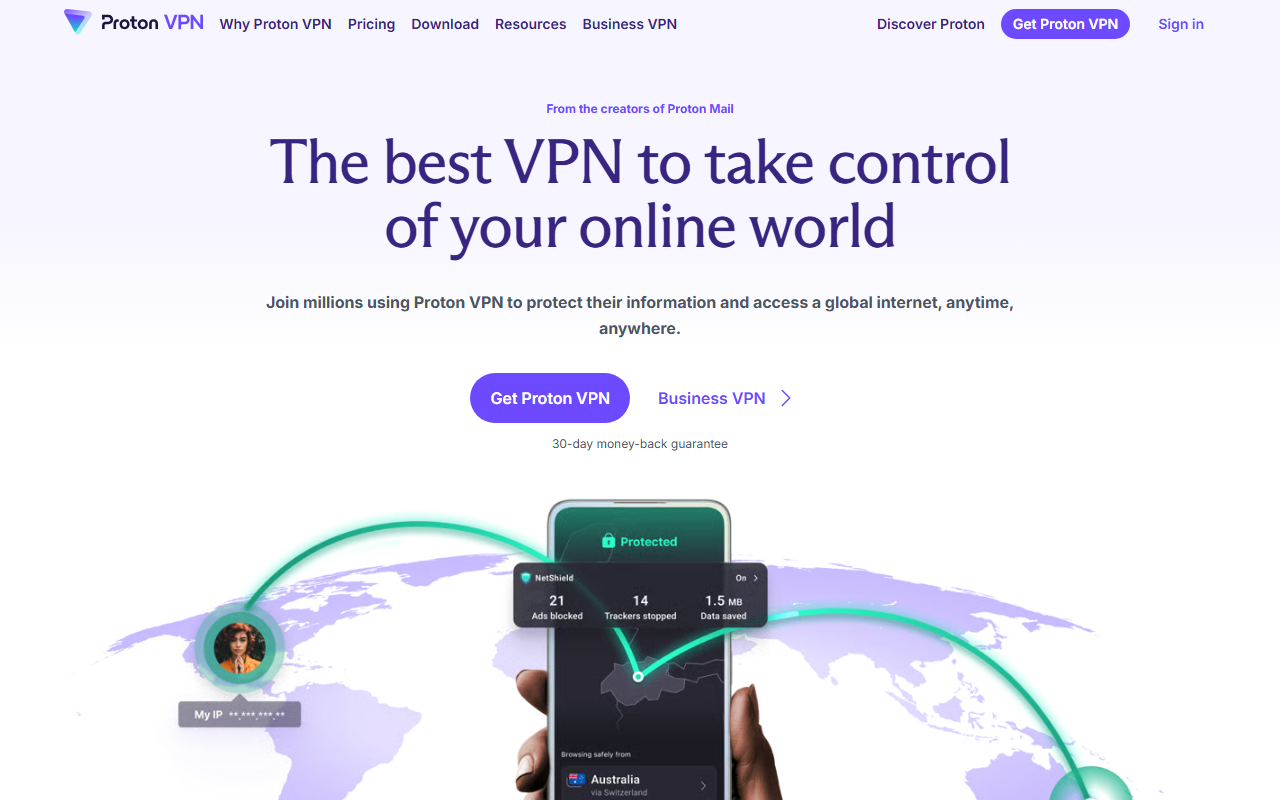
ProtonVPN is built by the ProtonMail team. The company is based in Switzerland, open-sources all its client apps, and has had multiple independent audits.
Free plan: ProtonVPN is the only free VPN worth using professionally — unlimited bandwidth, no speed throttling, genuinely private. It funds the free tier through paid subscriptions, not data collection. The limitation: servers in only 3–5 countries and no access to high-speed servers.
Paid: $2.99/month on the VPN Plus 2-year plan, now priced below NordVPN’s entry tier. Paid unlocks 140+ countries (17,000+ servers), high-speed servers, Tor over VPN, and Secure Core multi-hop routing.
Best for: Privacy-conscious users, journalists, researchers, or anyone with data sovereignty requirements — and anyone who wants a free VPN that actually holds up professionally.
Verdict: The privacy standard-bearer, now competitively priced on the paid tier.
5. Mullvad — Best for Anonymity
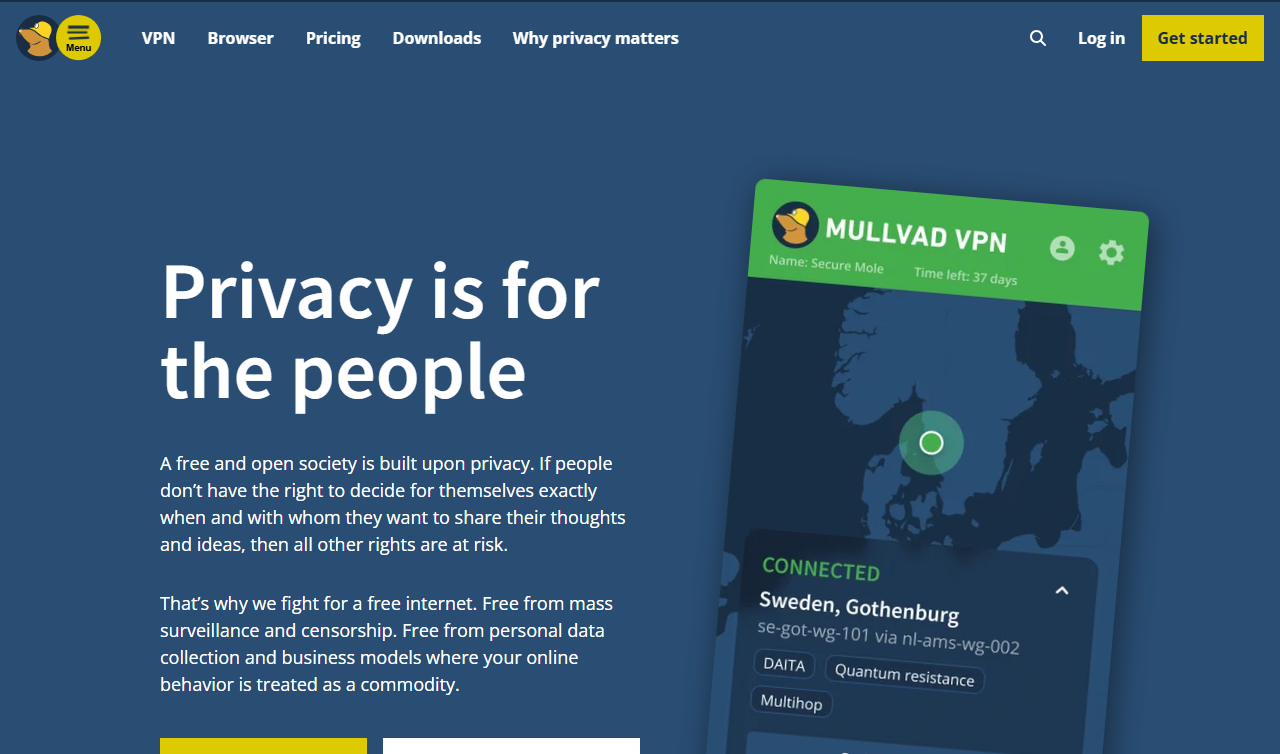
Mullvad is the most privacy-extreme option here. Account creation requires no email — you get a random account number. Payment can be in cash or cryptocurrency. Server infrastructure has been physically audited by third parties.
Pricing: €5/month flat. No annual discounts, deliberately, to avoid lock-in.
Limitations: Fewer servers than NordVPN or ExpressVPN. No free plan. Speed is solid but not class-leading.
Best for: Security researchers, journalists in high-risk environments, or anyone for whom anonymity outweighs convenience.
Quick Comparison
| VPN | Monthly Cost (2yr) | Devices | Free Plan | Best For |
|---|---|---|---|---|
| NordVPN | $3.49 | 10 | No | Most remote workers |
| Surfshark | $2.49 | Unlimited | No | Multi-device value |
| ExpressVPN | $2.79–$3.49 (2yr) / $4.99 (1yr) | 10 | No | Speed |
| ProtonVPN | $2.99 | 10 | Yes | Privacy, free users |
| Mullvad | €5 flat | 5 | No | Maximum anonymity |
The Pick
For most remote workers: NordVPN. Fast, audited, feature-complete, and reasonably priced on a 2-year plan.
For value with multiple devices: Surfshark.
For the free option: ProtonVPN Free — the only free VPN worth trusting for professional use.
For maximum privacy: ProtonVPN paid or Mullvad.
If you’re building out your full remote setup, see the best ergonomic home office gear under $500. For broader security hygiene beyond VPN choice, the remote work security checklist covers the rest.
Last updated: June 21, 2026. VPN pricing changes frequently — verify current pricing on each provider’s website before purchasing.