
NordVPN costs $18/year more than Surfshark. That’s the decision, narrowed to its core. Everything else — server count, speed margins, device limits — is context for whether that gap matters for your specific situation.
Both are at the top of independent speed tests and privacy audits. Both work for streaming, remote work, and general privacy. The differences are real but not dramatic, and the wrong choice here is still a good VPN.
Quick answer: NordVPN if speed and server choice matter most. Surfshark if you want the lowest price per year or need unlimited device coverage.
Quick Comparison
| NordVPN | Surfshark | |
|---|---|---|
| 2-year price | $3.99/mo | $2.49/mo |
| Servers | 6,400+ in 111 countries | 3,200+ in 100 countries |
| Simultaneous devices | 10 | Unlimited |
| No-logs audit | Deloitte (2023) | Cure53 |
| Kill switch | Yes | Yes |
| Split tunneling | Yes | Yes |
| Headquarters | Panama | Netherlands |
NordVPN — Fastest and Largest Network
NordVPN runs 6,400+ servers across 111 countries, the largest network among major VPN providers. More server options means more ways to route around congestion. More locations means more flexibility for geo-unlocking content from specific countries.
Speed. NordVPN consistently performs at or near the top of independent speed benchmarks. The NordLynx protocol (WireGuard-based) delivers fast connections without the complexity of configuring WireGuard manually. In practice, you’ll lose 10-15% of your base connection speed on local servers — less on nearby international servers. On distant connections, NordVPN holds up better than most alternatives.
Specialty servers. NordVPN offers dedicated servers for specific use cases: obfuscated servers (bypass VPN blocks in restrictive networks), Double VPN (routes through two servers for extra privacy), P2P-optimized (torrenting), and Onion over VPN (routes through Tor). Most people don’t use these daily, but they’re there when needed.
Privacy. Incorporated in Panama — outside EU data retention requirements and US jurisdiction. Passed Deloitte’s no-logs audit in 2023. The 2018 server breach (one server, no logs exposed) is in the past; they’ve since moved to RAM-only servers that can’t retain logs.
Pricing: $3.99/month on a 2-year plan ($96 total). Monthly pricing runs $12.99. Always buy a multi-year plan — monthly is a significant premium for the same product. Try NordVPN
Limitation: 10 simultaneous connections. Sufficient for most individuals; potentially limiting for households or small teams. Users on Windows have also reported that split tunneling occasionally kills the entire internet connection rather than routing selectively — it’s not universal, but it shows up often enough to be worth knowing.
Surfshark — Best Value and Unlimited Devices
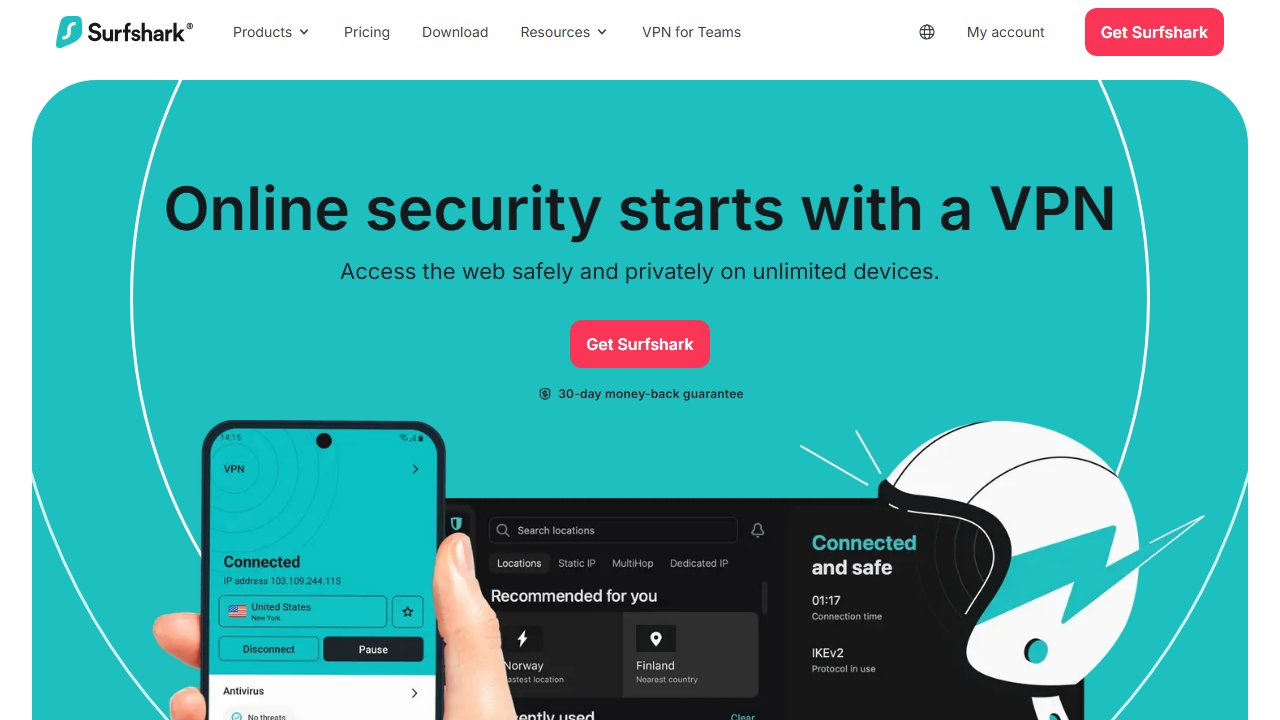
Surfshark’s primary advantages are price and unlimited device connections. At $2.49/month on a 2-year plan, it’s roughly $18/year cheaper than NordVPN. One subscription covers your laptop, phone, tablet, home router, smart TV, and any other device without managing connection slots.
Speed. Surfshark is fast on nearby servers — independent tests have clocked it at 750+ Mbps locally. On long-distance connections, the picture changes. Upload speed retention drops significantly on distant servers (US servers tested at roughly 34% upload retention in some benchmarks). For local and regional routing it’s not a problem. For international routing, it’s worth knowing.
CleanWeb. Built-in ad and tracker blocking. This runs at the DNS level and blocks ads in apps as well as browsers — more effective than most browser extensions. Useful if you’re on a network you don’t fully trust, which is the main reason you’d have a VPN running on your remote work setup.
Camouflage mode and NoBorders mode. Obfuscated connections for networks that block VPN traffic. Relevant if you travel to countries with internet restrictions — though user reports from regions like the UAE suggest connection reliability is inconsistent, with drops more common than NordVPN users report from the same locations.
Privacy. Based in the Netherlands (EU). Audited by Cure53 for no-logs compliance. As with NordVPN, RAM-only servers prevent log retention.
Pricing: $2.49/month on a 2-year plan ($60 total). Significantly cheaper than NordVPN at the 2-year level.
Limitation: Smaller server network (3,200 vs 6,400). For most use cases this doesn’t matter — the popular server locations are covered. If you need servers in obscure countries, NordVPN has more options. Also: Surfshark’s browser extension doesn’t route all system traffic, and features like MultiHop are unavailable through the extension — a common point of confusion for new users.
Head-to-Head on Use Cases
Remote work on public WiFi
Both are sufficient. Kill switch, DNS leak protection, and no-logs policies are present in both. Either keeps your connection private on coffee shop or airport networks.
Streaming geo-restricted content
NordVPN edge — larger server network means more options when a specific streaming library is blocked. Both unblock major services (Netflix, BBC iPlayer, Disney+) reliably.
Multiple devices or family plan
Surfshark. Unlimited connections is a meaningful advantage over NordVPN’s 10-device cap for households with many devices.
Price sensitivity
Surfshark — $18/year cheaper on a 2-year plan. Small difference in absolute terms but real.
Speed-critical use (gaming, large transfers, international routing)
NordVPN — consistently tops speed benchmarks in independent testing, and holds speed better on long-distance connections where Surfshark loses ground.
What Both Do Right
Both VPNs share the foundational features that matter:
- WireGuard-based protocols — NordLynx (NordVPN) and WireGuard (Surfshark) offer the best speed-security balance available
- Kill switch — cuts internet if the VPN drops, preventing accidental exposure
- Split tunneling — route only specific apps through the VPN while others use your normal connection
- No-logs — independently audited, not just self-reported
- Apps for all platforms — Windows, Mac, iOS, Android, Linux, browser extensions
Our Pick
NordVPN if speed, server selection, and specialty server options matter. Worth the small price premium if you route through distant servers regularly or need reliable obfuscation in restrictive networks. Get NordVPN
Surfshark if you want the lower price, unlimited devices, or you’re setting up VPN across a household. For most remote workers and freelancers operating in their home country or region, Surfshark covers everything needed at a better price.
Both are legitimate choices. Pick based on your specific use case — the $18/year difference rarely justifies overthinking it.
Also see: how to choose the right VPN for remote work for a broader look at what to evaluate when picking a VPN.