
Quick verdict: Things 3 wins for Apple-only users who want minimalism (Mac ~$49.99 one-time, iPhone/iPad ~$19.99). Todoist wins for cross-platform flexibility (~$4/mo on the annual Pro plan). TickTick wins for the best free tier (Premium ~$35.99/yr). All three are strong; the right pick depends on your platform and budget.
Things 3 vs Todoist vs TickTick at a glance
| Things 3 | Todoist | TickTick | |
|---|---|---|---|
| Platforms | Apple only (Mac, iPhone, iPad) | All (iOS, Android, Windows, Mac, web) | All (iOS, Android, Windows, Mac, web) |
| Price | ~$49.99 Mac + ~$19.99 iOS, one-time | Free, or ~$4/mo Pro (billed annually) | Free, or ~$35.99/yr Premium |
| Free tier | No free tier | Yes, but capped (5 projects, 5 collaborators) | Yes, generous (unlimited tasks, Pomodoro, habits) |
| Natural language input | Yes | Yes, best-in-class | Yes |
| Collaboration | None | Basic shared projects (Pro+) | Basic shared lists (Premium) |
| Built-in Pomodoro / habit tracking | No | No | Yes |
| Widgets / calendar sync | Yes (Apple Calendar only) | Yes (Google, Outlook, Apple) | Yes (Google, Outlook, Apple) |
Things 3: the best task manager if you’re Apple-only
Things 3 does less than the other two apps, and that’s the entire point. There’s no web app, no Android version, no team features — just a fast, native task manager built specifically for macOS, iOS, and iPadOS. Every interaction is designed to get you out of the app quickly: swipe gestures, keyboard shortcuts, natural language input that reliably parses “next Monday at 3pm” without you touching a date picker.
The organizational model is simple on purpose. Tasks live in Areas (broad categories like “Work” or “Health”) and Projects (specific outcomes with a deadline). A dedicated “Today” view and a “This Evening” section separate daytime tasks from evening ones — a small detail that a lot of competitors skip. Deadlines and reminders exist, but Things 3 doesn’t nag you the way some apps do; notifications are quiet by default.
The catch is the price structure and the platform lock-in. You buy the Mac app once for ~$49.99, then buy the iPhone/iPad app separately for ~$19.99 — no bundle discount, no free trial period longer than 15 days, no subscription option even if you’d prefer to pay monthly. And if you ever need to use a Windows PC, an Android phone, or just check your list from a browser at work, you’re locked out entirely.
Who should NOT buy Things 3: anyone on Android or Windows, anyone who needs team collaboration, and anyone who wants to try before committing ~$70 across devices.
Pros
- Fastest, cleanest interface of the three
- One-time purchase, no subscription
- Excellent natural language input
- Quiet, well-designed notifications
Cons
- Apple ecosystem only — no Android, Windows, or web app
- \$49.99 (Mac) + \$19.99 (iOS) with no bundle
- Zero collaboration or sharing features
- No public API, so migrating your data out later means manual re-entry
Todoist: the safest cross-platform pick
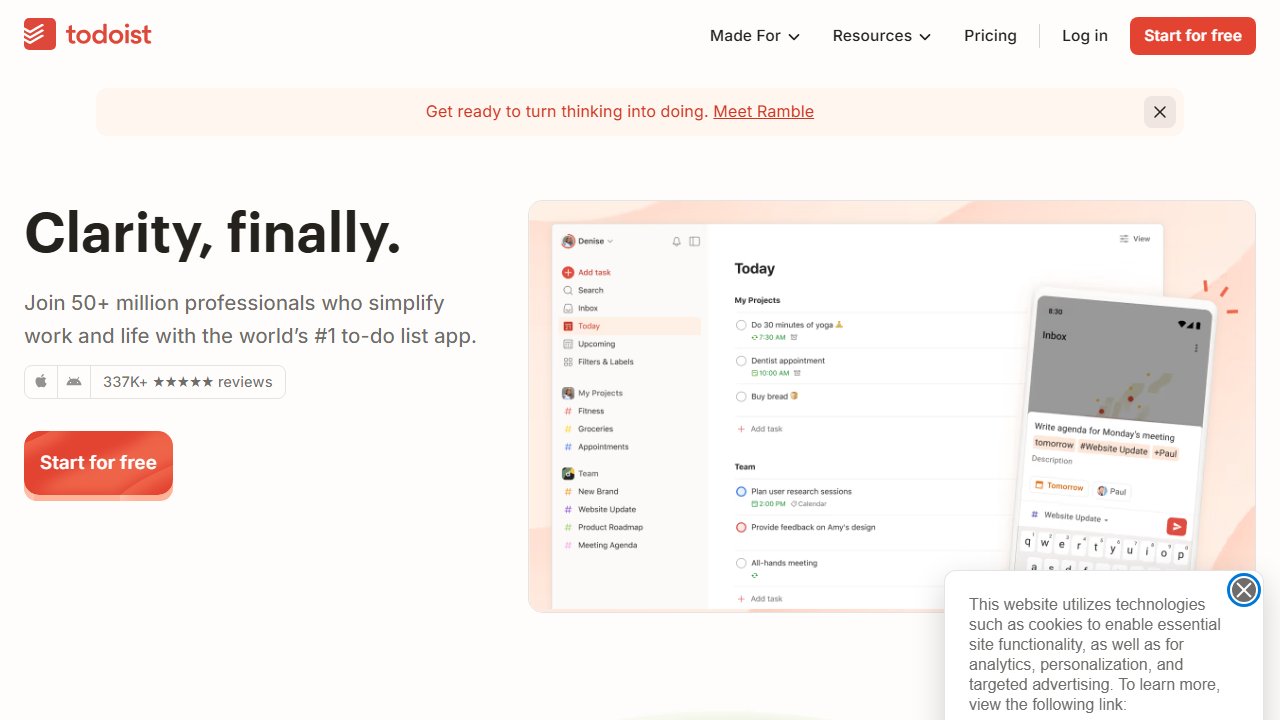
Todoist is the default answer for “which task manager should I use” because it runs everywhere — iOS, Android, Windows, Mac, Linux, and a browser extension — and its natural language parsing is the best of the three. Type “submit report every 2nd Friday at 5pm #Work @high” and Todoist correctly sets the recurrence, project, and priority in one line.
The free tier is real but tight: 5 active projects, 5 collaborators per project, no reminders, and a 3-filter limit. It’s enough to try the app seriously for a week, but most people who decide to stay end up on Pro (~$4/month billed annually, ~$5 month-to-month) within a few weeks, mainly for reminders and unlimited projects. Business plans start around $6/user/month and add team-level admin controls, though the project management features are still thin compared to a dedicated tool.
Where Todoist earns its reputation is consistency: the same feature set, the same shortcuts, and the same sync speed across every platform. If you switch from an iPhone to a work laptop running Windows mid-project, nothing breaks. That reliability is the whole sell.
Who should NOT buy Todoist Pro: anyone who wants built-in Pomodoro or habit tracking without a third-party integration, and anyone who wants real project management — Todoist’s “projects” are still fundamentally task lists, not Gantt charts or dependency tracking.
Pros
- Works identically on every platform
- Best natural language input for dates, priorities, and labels
- Free tier is usable for basic single-user lists
- Fast, reliable sync — no ghost duplicates
Cons
- Free tier caps out fast (5 projects, no reminders)
- No native Pomodoro or habit tracking
- Project features are shallow for anything beyond personal task lists
- Subscription, not a one-time purchase
Cross-platform task manager with the best natural language input — free tier available, Pro from ~$4/mo.
TickTick: the best free plan, plus Pomodoro and habits built in
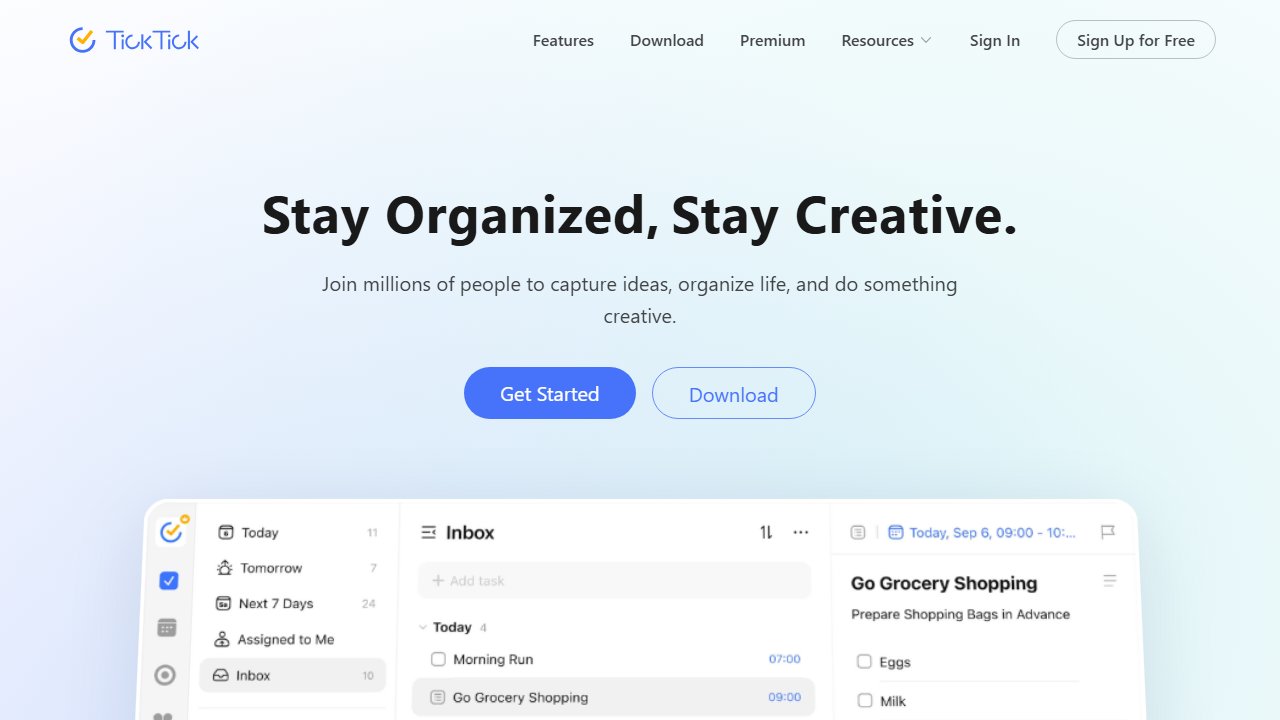
TickTick is the one app of the three that tries to be more than a task list, and mostly succeeds. The free tier alone includes unlimited tasks, a calendar view, a built-in Pomodoro timer, and habit tracking — features that Todoist either restricts to paid plans or doesn’t offer at all. For someone who wants task management and light habit tracking in one app without paying anything, TickTick’s free tier is the strongest of the three.
Premium (~$35.99/year, or roughly $3/month) removes the free tier’s list cap and adds more calendar integrations, but the core experience — task capture, recurring tasks, natural language input, tags and priorities — is already solid for free. That makes TickTick the lowest-risk app to try: there’s no meaningful trial period problem, because the free version is a complete product on its own.
The tradeoff is polish. TickTick’s interface is busier than Things 3’s and less consistent than Todoist’s — menus and settings are scattered across a few too many screens, and the natural language parser occasionally misreads a date format that Todoist gets right every time. It’s a genuinely good app, just not a refined one.
Who should NOT buy TickTick Premium: anyone who’s already paying for Todoist or Things 3 and doesn’t specifically need Pomodoro or habit tracking — the free tier covers most other use cases already.
Pros
- Most generous free tier of the three
- Built-in Pomodoro timer and habit tracking — no extra app needed
- Calendar view is genuinely useful for planning a week
- Cheapest paid tier if you do need Premium
Cons
- Interface feels busier and less consistent than the other two
- Natural language input occasionally misparses dates
- Collaboration features are thinner than Todoist's
- Fewer third-party integrations
Things 3 vs Todoist vs TickTick: which should you pick?
If you’re fully in the Apple ecosystem, don’t need to share tasks with anyone, and want the fastest and cleanest app to use every day, Things 3 is worth the one-time cost. You’ll pay more upfront than a year of either subscription, but you’ll never pay again.
If you switch between devices — an iPhone and a work PC, or Android and a Mac — Todoist is the safer default. It’s the most consistent app across platforms, and its free tier is enough to confirm you like the workflow before paying.
If you want a real free plan with Pomodoro and habit tracking baked in, and you don’t mind a slightly busier interface, TickTick gives you the most for nothing, and the cheapest upgrade path if you eventually want more.
If you need shared team task tracking rather than a personal to-do list, none of these three apps get you there — see our best project management software for small teams comparison instead. For personal notes and knowledge management alongside whichever task manager you pick, Notion vs Obsidian covers that comparison.
Our Take
We tested all three across a normal work week — capturing tasks on the go, setting recurring reminders, and checking in from more than one device where the app allowed it. Things 3 was the fastest to actually use day to day; there’s no other way to describe how little friction it has. But that speed comes from doing less, and the Apple-only restriction rules it out for most households that mix devices.
Todoist earned its reputation honestly — it’s the one app of the three we’d trust to still work the same way in five years, on whatever device we’re using by then. TickTick surprised us on the free tier alone; the Pomodoro timer isn’t a gimmick, it’s genuinely built into the task flow rather than bolted on.
For most people asking which to pick: start with Todoist’s free tier for a week. If it feels too limited and you’re all-Apple, move to Things 3. If you want more than a task list for free, try TickTick instead.