
You open Canva, start a design, then hit the paywall. A feature you used last month now requires Pro. You upgrade. The bill hits. And somewhere in the back of your mind you know you’re only using about a third of what you’re paying for.
That’s the Canva trap. The free plan gets you started, the Pro plan feels reasonable at first, and then you realize the tool you’re paying $15/month for is doing one job you could handle for a fraction of the price — or nothing at all.
The alternatives below are not experiments. I’ve spent time with all seven. The goal isn’t to trash Canva — I still use it for certain things. The goal is to show you exactly what exists beyond it, so you stop overpaying for features you don’t use.
Quick answer: VistaCreate is the best free Canva swap — more animated templates, no watermark. Adobe Express ($9.99/mo) is best if you’re in the Adobe ecosystem. Figma is best for teams that need real collaboration. Pixlr is the best free photo editor if Canva’s editing tools aren’t enough.
Why Look Beyond Canva?
Canva Pro costs $15/month. That’s reasonable if you use it heavily. Less reasonable if you use it for one specific thing when a specialized tool does that one thing better for less.
The other reasons:
Advanced photo editing. Canva’s tools are surface-level. If you need real retouching, background removal with precision, or layer-based editing, Canva isn’t the right tool.
Vector work. For logo design, icon creation, or anything that needs to scale perfectly, Canva’s vector capabilities are basic. Figma or Adobe Express handle this better.
Team brand management at scale. Canva’s team pricing and brand kit features are solid but pricey for growing teams.
Quick Comparison Table
| Tool | Best For | Free Plan | Starting Price |
|---|---|---|---|
| Adobe Express | Adobe ecosystem users | Yes | $9.99/mo |
| Figma | Teams, developers | Yes (generous) | $15/mo |
| Visme | Presentations, infographics | Yes (limited) | $12.25/mo |
| Piktochart | Infographics, reports | Yes | $14/mo |
| Snappa | Social media graphics | Yes (3 downloads/mo) | $10/mo |
| Pixlr | Photo editing | Yes | $4.90/mo |
| VistaCreate | Quick templates, animation | Yes (generous) | $13/mo |
1. Adobe Express — Best for Adobe Users
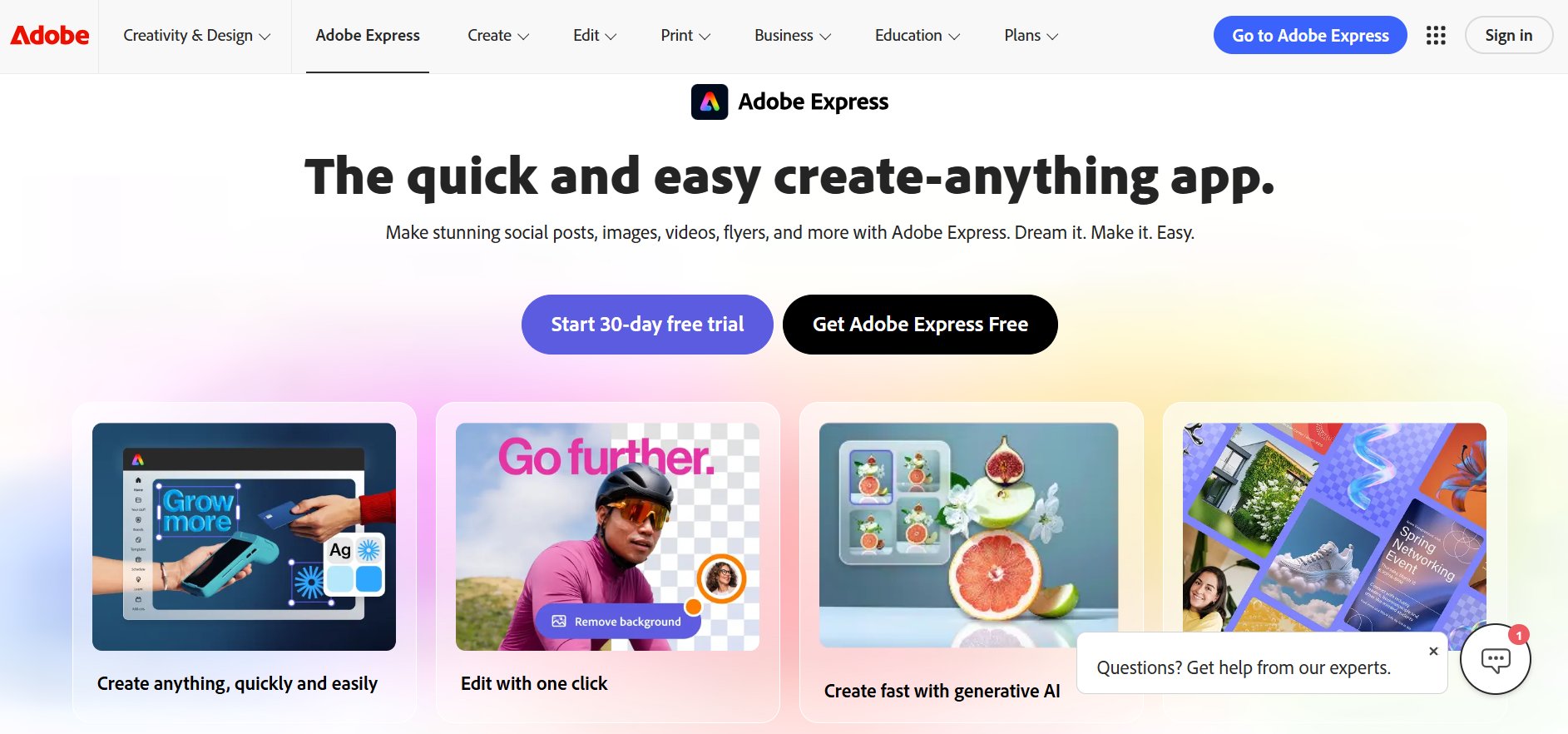
Adobe Express (formerly Adobe Spark) is the most direct Canva competitor in terms of use case — templates, social graphics, presentations, and brand kits. The key differentiator is Adobe’s creative ecosystem and vector handling.
What it does better than Canva: Vector support is significantly stronger. If you need to create assets that scale from a social graphic to a billboard, Adobe Express handles it correctly. The brand kit is also more powerful for teams already in the Adobe ecosystem.
Free plan: Genuinely useful — access to thousands of templates, Adobe Fonts (1,500+), and basic brand controls. Limited to a subset of templates and no premium stock photos.
Paid: $9.99/month — unlocks all templates, premium Adobe Fonts, and background remover.
Best for: Anyone already using Adobe products (Photoshop, Premiere, Lightroom). The Creative Cloud integration makes exporting and editing across tools seamless.
Limitation: If you’re not in the Adobe ecosystem, the integration advantage disappears and Canva’s template library is arguably more varied.
2. Figma — Best for Teams and Developers
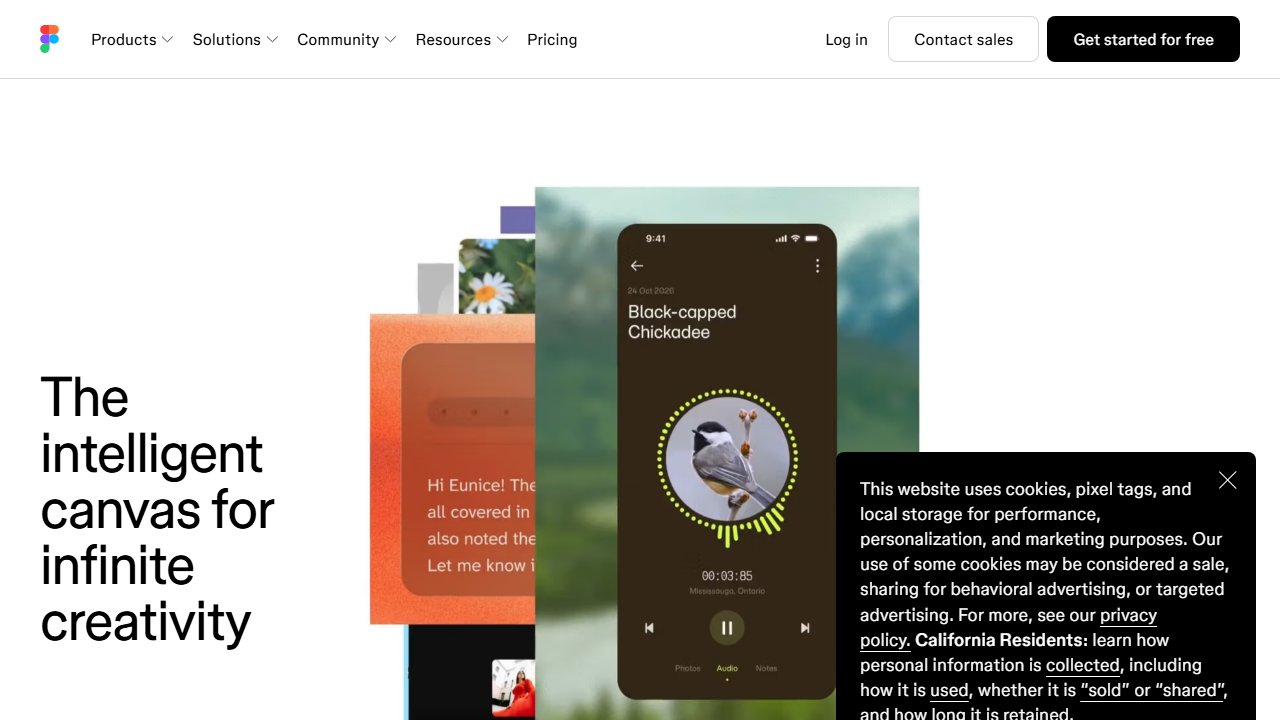
Figma is not a Canva alternative in the traditional sense — it’s a professional design tool built for product designers, developers, and design teams. But the free plan is the most powerful in this comparison, and for content teams that need real-time collaboration, Figma has no equal.
What it does better than Canva: Real-time collaboration that actually works (multiple people editing the same file simultaneously, with no lag or conflict issues). Vector editing that rivals desktop tools. Components and design systems for teams that need consistency at scale. Developer handoff with inspect mode.
Free plan: 3 Figma files, unlimited FigJam files, unlimited collaborators. For most content creators or small teams, 3 design files is enough if you use pages to organize work inside each file.
Paid: $15/editor/month — unlocks unlimited files and version history.
Best for: Design teams, product designers, developers. Content creators who need to collaborate on design with others.
Limitation: Steeper learning curve than Canva. Not optimized for quick social media graphics — it’s built for systematic design, not one-off templates.
3. Visme — Best for Presentations and Infographics
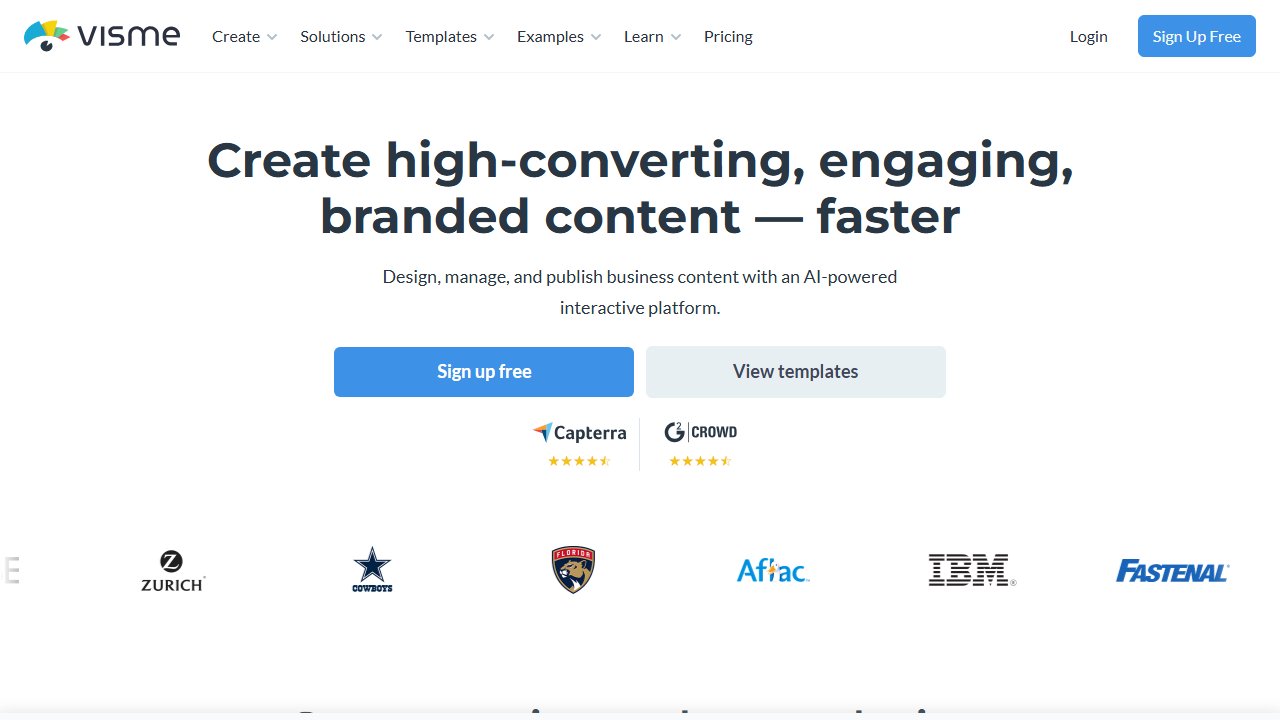
Visme sits between Canva and data visualization tools. Its strength is interactive content — presentations with clickable elements, infographics with live data widgets, reports that update automatically.
What it does better than Canva: Data visualization is significantly stronger. If your work involves charts, graphs, or data-heavy infographics, Visme has tools Canva doesn’t. The presentation builder handles interactivity that PowerPoint and Canva can’t match.
Free plan: Limited — 5 projects, basic templates, Visme branding on exports.
Paid: $12.25/month (Starter) — removes branding, unlocks premium templates and assets.
Best for: Marketing teams, educators, consultants who create presentations, reports, and data-driven content regularly.
Limitation: More expensive per feature than Canva for general graphic design. The advantage is specific to presentations and data visualization.
4. Piktochart — Best for Infographics and Reports

Piktochart is a specialist tool. It does infographics and reports, and it does them better than any other tool on this list for those specific formats.
What it does better than Canva: The infographic templates are purpose-built — timeline infographics, process infographics, comparison infographics. The report templates handle multi-page documents with consistent styling in ways that Canva’s general templates don’t.
Free plan: Limited to basic templates and Piktochart branding on exports.
Paid: $14/month — removes branding, unlocks all templates, custom brand colors.
Best for: Anyone who creates infographics, reports, or data summaries regularly. Content marketers producing visual content for social sharing.
Limitation: Not a general-purpose design tool. If you need social media graphics, presentations, or anything outside infographics and reports, use something else.
5. Snappa — Best for Fast Social Media Graphics
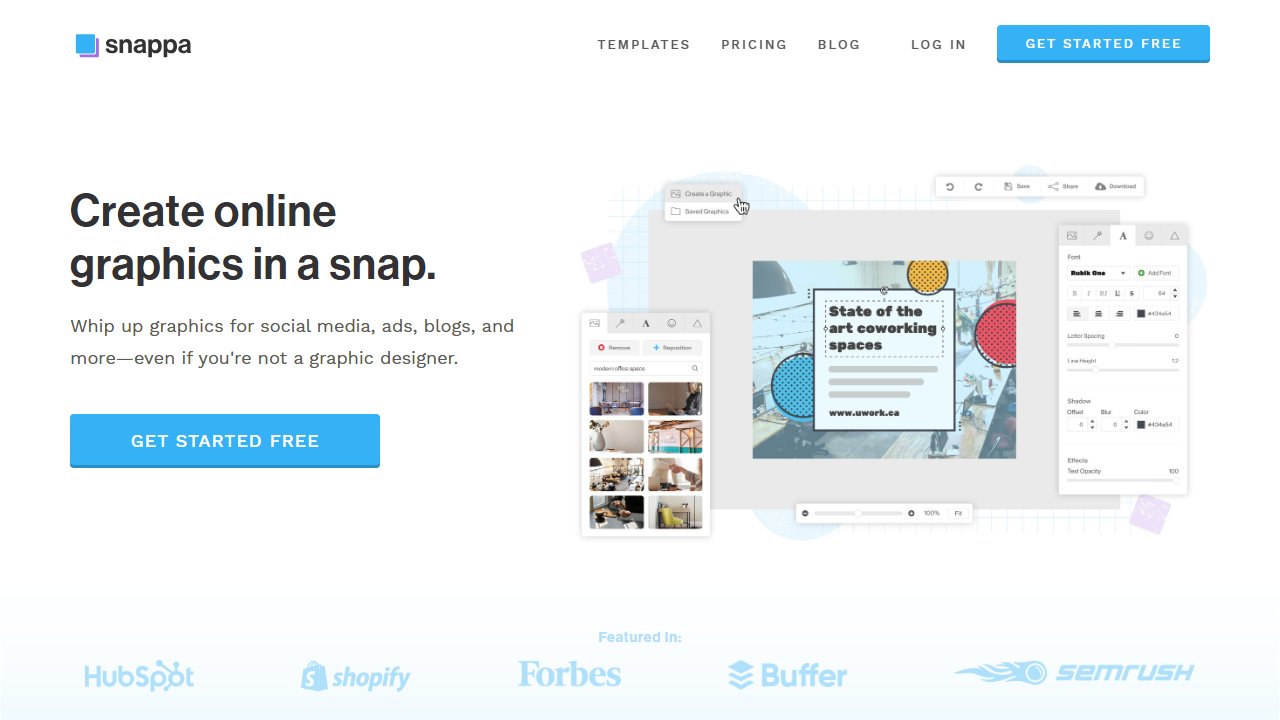
Snappa is optimized for one job: social media graphics, fast. The interface is stripped down by design — fewer options means fewer decisions, which means faster output.
What it does better than Canva: The one-click resize feature is genuinely faster than Canva’s equivalent. You create a graphic once and resize it for every social platform in one step. The included stock photo library (5M+ photos) means you don’t need to switch tabs for assets.
Free plan: Functional but limited — 3 downloads per month and 1 social profile.
Paid: $10/month — unlimited downloads, unlimited social profiles, team access.
Best for: Small businesses and solo creators who produce social media graphics consistently and want to minimize time spent designing.
Limitation: Not suitable for anything beyond social media graphics and basic marketing materials. No video, no presentations, minimal design flexibility.
6. Pixlr — Best Free Photo Editor
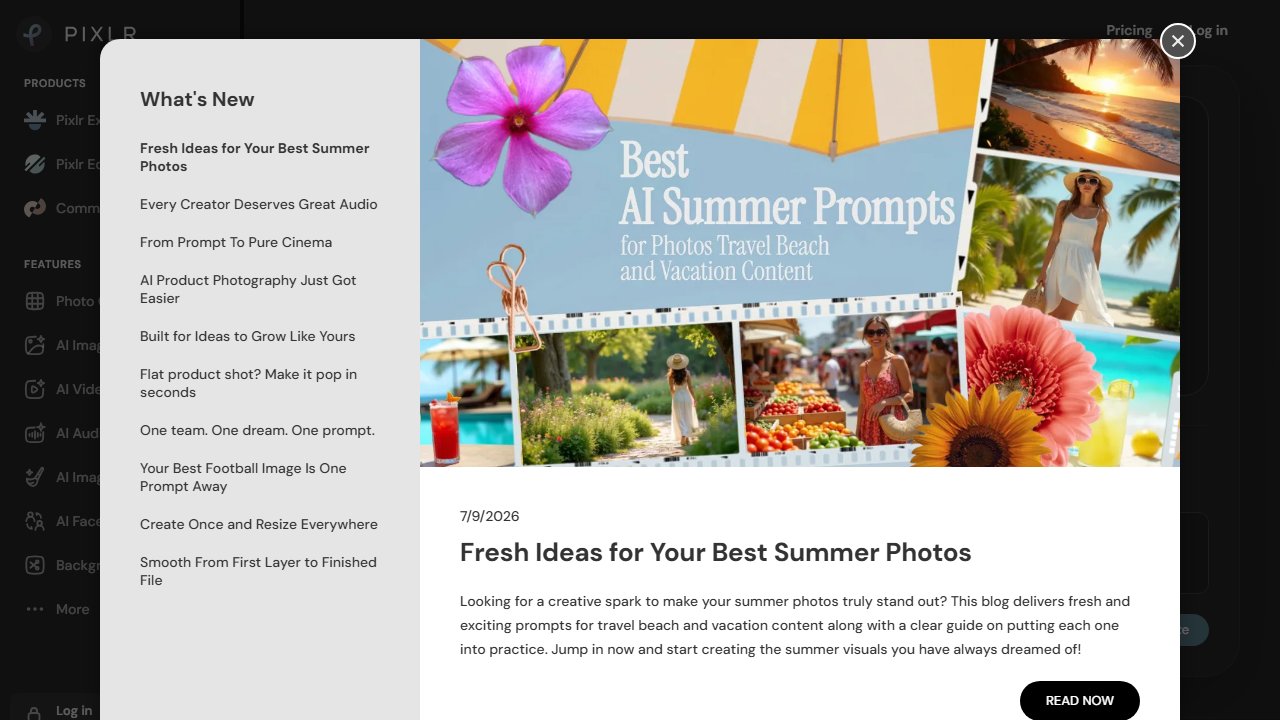
Pixlr is a photo editor, not a template-based design tool. It’s the closest free alternative to Photoshop for image editing — layers, masks, adjustment layers, filters, AI background removal.
What it does better than Canva: Actual photo editing. If you need to retouch a product photo, remove a background with precision, composite multiple images, or apply adjustment layers to a photo, Pixlr handles this correctly. Canva’s photo editing is surface-level by comparison.
Free plan: The most functional free photo editor available online. Pixlr E (advanced) is genuinely capable for most photo editing tasks.
Paid: $4.90/month — removes ads, unlocks batch editing and AI tools.
Best for: Anyone who needs real photo editing without paying for Photoshop. Bloggers who edit their own photography. Anyone working with product images.
Limitation: Not a design tool. Pixlr doesn’t have template libraries, brand kits, or the easy social graphics workflow that Canva provides. Use it alongside a template tool, not instead of one.
7. VistaCreate — Best Free Canva Swap
VistaCreate (formerly Crello) is the most direct free alternative to Canva. If you’re looking to replace Canva’s core use case — templates, social graphics, animated posts — without paying, VistaCreate is where to start.
What it does better than Canva: The free plan is more generous. VistaCreate’s free tier includes animated templates (Canva charges for these), 70M+ stock assets, and no watermarks on exports. The animation quality is solid for social content.
Free plan: Most templates, 70M+ assets, animated designs, no watermark. Limited to VistaCreate branding on some premium-tier templates.
Paid: $13/month — removes all restrictions, adds brand kit, team collaboration, and background remover.
Best for: Content creators who want a full Canva replacement without paying for Pro. Anyone currently using Canva Free who wants animated content.
Limitation: Template library is smaller than Canva’s. The brand kit is paid-only (Canva includes it on Pro). For team workflows, Canva’s collaboration is more polished.
Our Recommendation
Replacing Canva Free: VistaCreate. More animated templates, more free stock assets, no watermark.
Replacing Canva Pro for individuals: Adobe Express at $9.99/month or VistaCreate at $13/month, depending on whether you use Adobe’s ecosystem.
For teams: Figma. The collaboration features are significantly better, and the free plan covers most small team use cases.
For photo editing: Pixlr alongside your current design tool.
For infographics: Piktochart.
Once you’ve sorted your design tool, pairing it with a solid free email marketing platform and a grammar checker like Grammarly covers the full content creation stack for most solo founders.
Pricing current as of early 2026. Always verify on each tool’s website before subscribing.